
Port Forwarding Use Case
FTP Server Port Forwarding
FTP is more complex than many home services because the control connection and the data connection are not the same thing. Passive mode and passive port ranges matter just as much as the main login port.
Expanded use-case review - May 7, 2026
Quick context
Users often open port 21 and stop there, then wonder why login works inconsistently or file transfer fails. FTP has a control channel and separate data behavior, which means the server mode and passive range design matter at least as much as the router rule itself.
Use this order before you start changing settings.
See the flow visually
FTP passive mode path
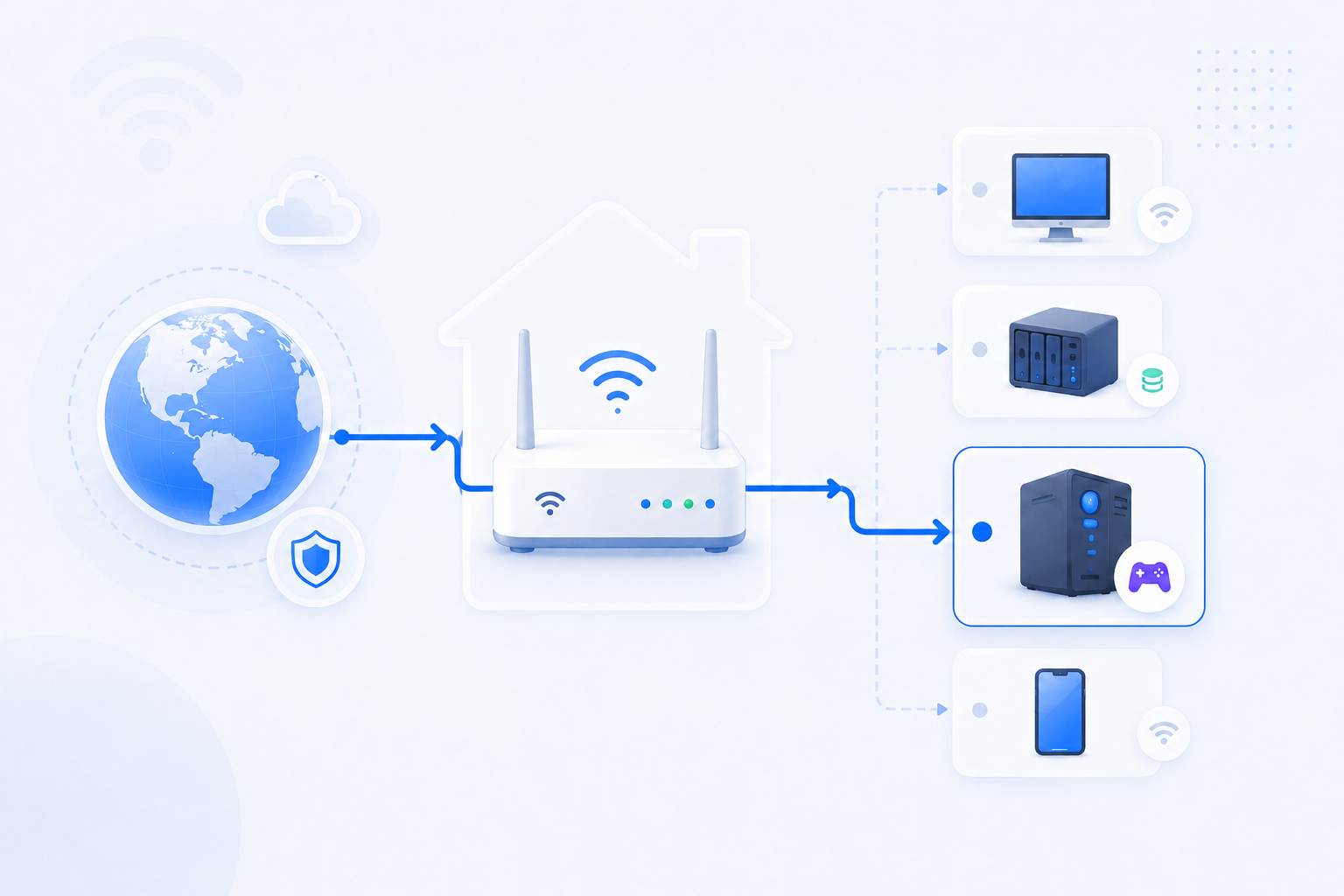
FTP often fails because the control port reaches the server but the data connection has nowhere valid to go through the firewall and NAT path.
- The login port is not the whole story.
- Passive mode requires a defined data range.
- The server may also need to advertise the correct external address.
Related visual cues
Helpful visuals for this page
Selected RouterWiz visuals that match this topic.

What to know first
Step-by-step
- Confirm the FTP service is really running and note whether you are using active mode, passive mode, or a server default that must be reviewed.
- Assign the FTP server a stable internal IP before you create any forwarding rule.
- Forward the control port, usually TCP 21, to the FTP server host.
- Define a passive data port range on the FTP server so the data path is predictable instead of random.
- Forward the same passive data port range through the router to the same internal host.
- If the FTP server sits behind NAT, configure the server with the correct external IPv4 address or external address advertisement setting if the product supports it.
- Test both authentication and actual file transfer from an outside network. Successful login alone does not prove that the data channel is working.
- If the control path works but directory listing or file transfer fails, review passive mode range, firewall rules, and external address configuration before touching unrelated router settings.
Checks and notes
- FTP often appears half-broken when only the control port is forwarded.
- Passive mode is usually the easier model to support through NAT than active mode in home environments.
- Server-side firewall policy can break data ports even when the router rule is correct.
Warnings
- FTP exposes more moving parts than a simple web or game server port.
- If you do not specifically need classic FTP, SFTP is often easier to secure and easier to explain.
FAQ
Why can I log in but still fail to transfer files?
Because login uses the control connection, while directory listing and actual file transfer depend on the data connection. If the passive data range or the server’s external address is wrong, the session can authenticate and still fail during real use.
Do I need to forward more than one port for FTP?
Usually yes. TCP 21 handles the control connection, but passive FTP also needs a defined data port range. That range must be opened consistently on the server and on the router.
Recommended references
FTP forwarding is rarely just one port. Control, passive data ports, and external address handling all matter.
FTP is one of the easiest places to misread the path. RouterWiz should explain the forwarding chain first, then these references help confirm passive-mode requirements on the server itself.
Official sources
Use these to confirm passive port range behavior and firewall expectations.
FTP Firewall Support
Microsoft Learn
Describes passive data channel port ranges and the external IPv4 address that an FTP service behind a firewall should advertise.
This is the key server-side concept that explains why forwarding 21 alone often does not make FTP work from outside.
Configuring FTP Firewall Settings in IIS 7
Microsoft Learn
Walks through passive port range configuration and external address behavior for IIS FTP behind NAT.
Useful when you need a practical checklist for the server side in addition to the router rule itself.
??? ?? ????
???? ? ??? ?? ??? ???? ????? ?? ??? ?????. ?? ??? ??? ?? ?? ??? ??? ? ?? ?? ? ????.
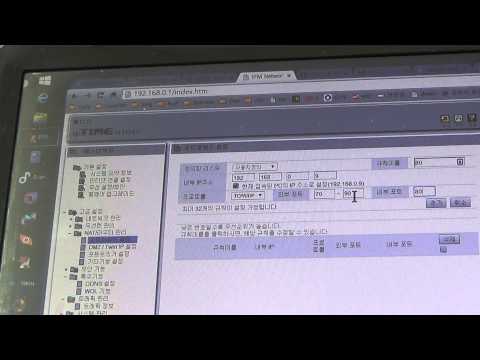
iptime 공유기 포트포워딩 기능 설정해서 외부에서 컴퓨터에 접속하는 방법
단비스 Review
ipTIME에서 포트포워딩 메뉴로 들어가 실제 값을 넣는 과정을 한국어로 보여주는 영상입니다.
RouterWiz 본문을 읽은 뒤 실제 메뉴 위치와 입력 화면을 한 번 더 보고 싶은 사용자에게 잘 맞습니다.
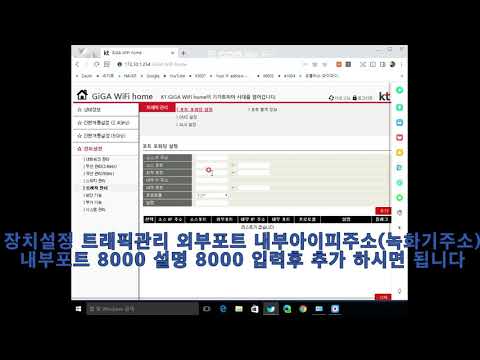
kt공유기 포트포워딩 설정방법
dvr smart
KT 공유기에서 포트포워딩 규칙을 넣는 실제 메뉴 흐름을 보여줍니다.
KT 장비에서 어떤 장비를 먼저 만져야 하는지 감이 잡힌 뒤, 실제 포트 규칙 입력을 보강하기 좋습니다.

SK브로드밴드 공유기 포트포워딩 하는 방법
CCTV세상
SK브로드밴드 공유기에서 포트포워딩을 실제로 설정하는 과정을 보여주는 한국어 영상입니다.
SKB 환경에서 메뉴 위치와 규칙 입력 화면을 빠르게 비교하는 데 유용합니다.

엘지(LG) 유플러스(U+) 공유기 포트포워딩 하는 방법
CCTV세상
LG U+ 공유기에서 포트포워딩을 설정하는 한국어 실무형 영상입니다.
LG U+ 장비의 포트포워딩 메뉴 감을 빠르게 잡는 데 도움이 됩니다.