
Router Features
Router feature pages should explain what a setting does before telling users to toggle it.
Feature pages are where RouterWiz can prevent bad advice. NAT, DHCP, DDNS, UPnP, DMZ, bridge mode, AP mode, QoS, firewall, and VPN settings all need plain-language explanations, use cases, and risk notes.
NAT, Port Forwarding, and Port Triggering
Explain how inbound rules work and how they differ from related router features.
OpenDHCP and DHCP Reservation
How routers assign IPs and why stable local addressing matters for services.
OpenDDNS, UPnP, DMZ, and Firewall
What these features do, when to use them, and when they increase risk.
OpenBridge Mode, AP Mode, Mesh, and VPN
Clarify feature roles so users stop mixing unrelated setup paths.
OpenRelated visual cues
Helpful visuals for this page
Selected generated visuals that support this hub.
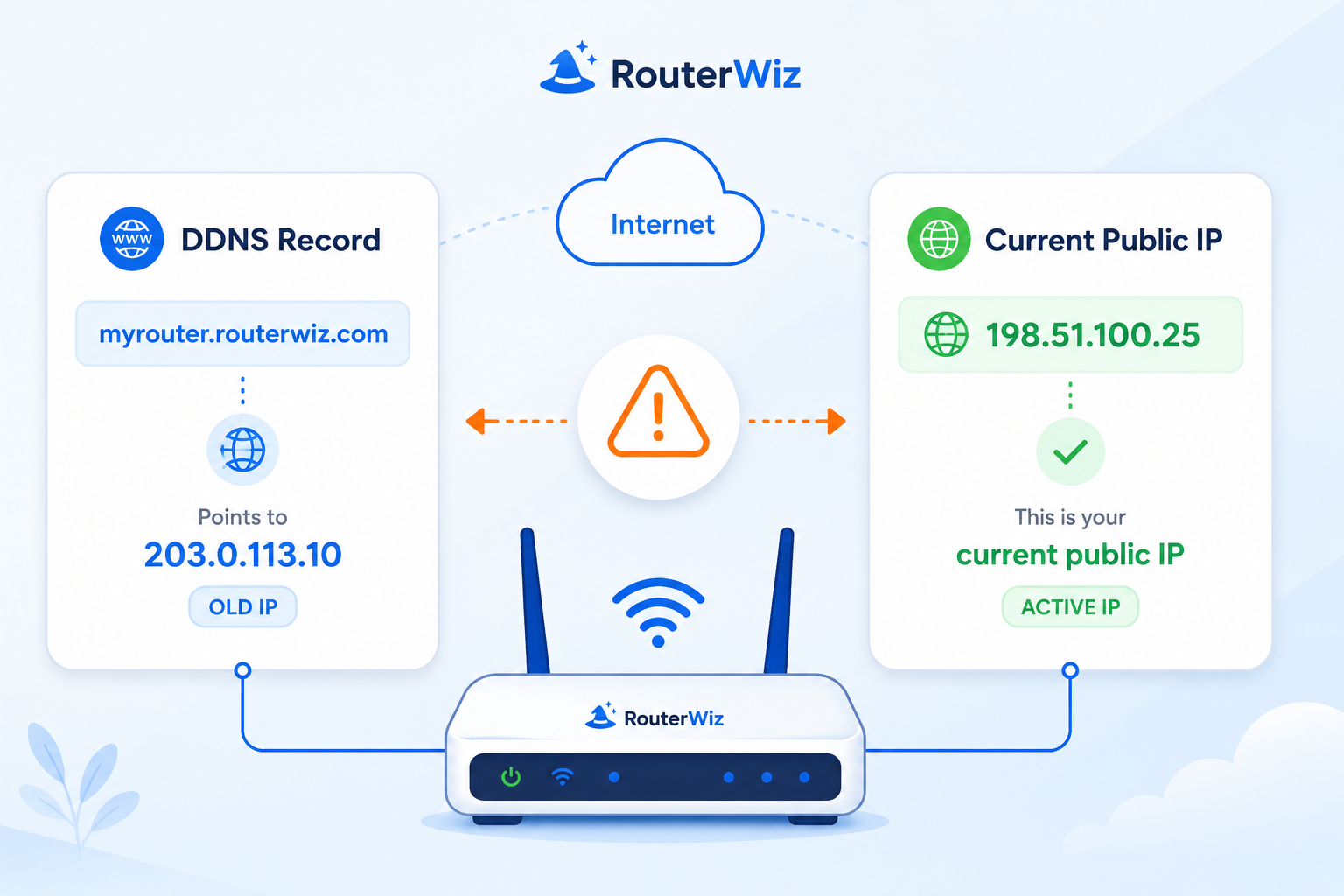
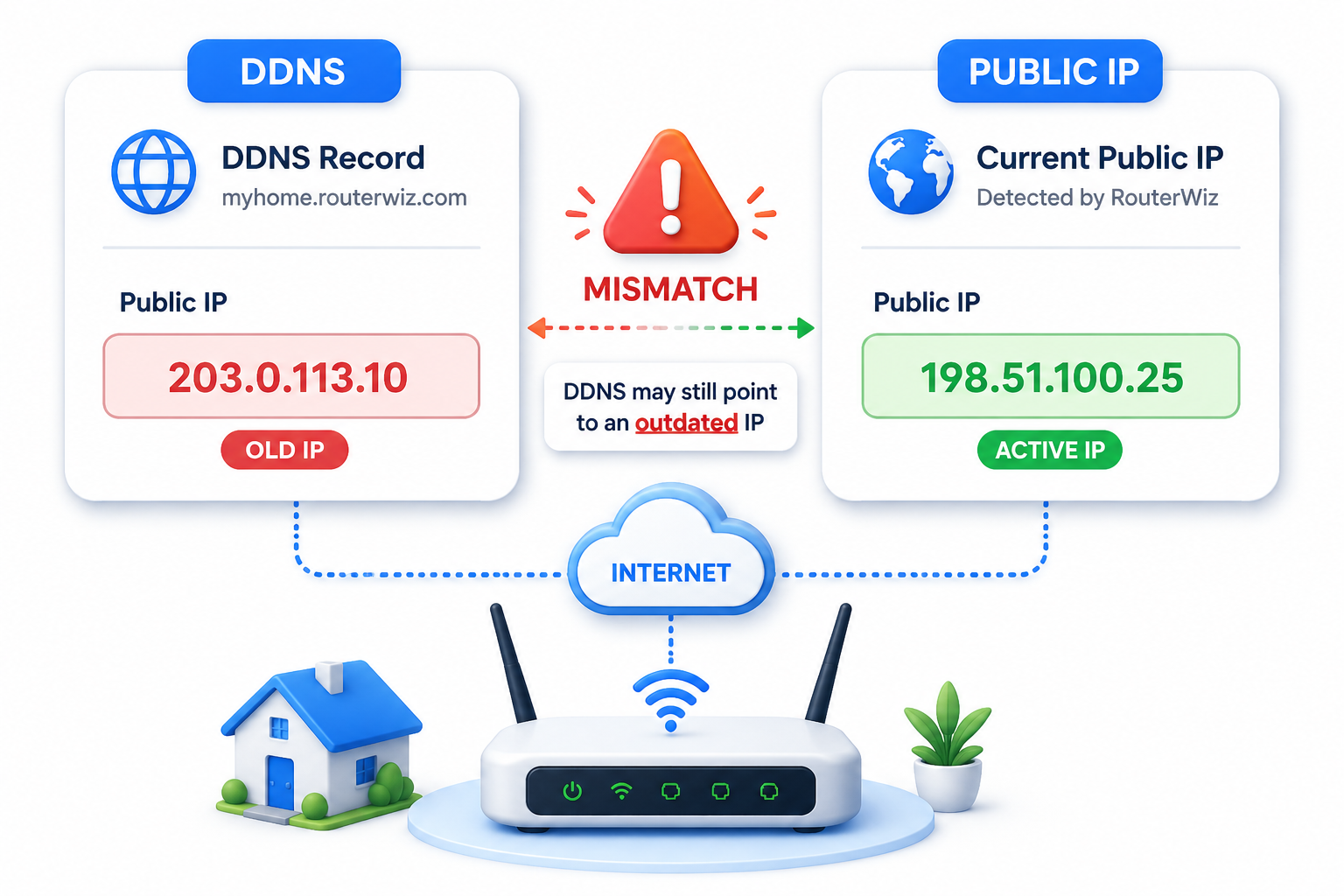

Feature clusters
- Addressing and assignment: DHCP, reservation, static IP
- Inbound access: NAT, port forwarding, UPnP, DMZ
- Topology changes: bridge mode, AP mode, repeater, mesh
- Security and policy: firewall, access control, VPN, QoS
Editorial standard
- Define the feature in one beginner sentence first.
- Explain when to use it and when not to use it.
- Always include risk notes for DMZ, UPnP, direct exposure, and bridge changes.
Detailed page plan: NAT-family features
- Compare NAT, port forwarding, port triggering, and UPnP.
- Show how they interact with public access goals.
- Link to use-case and troubleshooting pages.
Detailed page plan: topology modes
- Explain bridge mode vs AP mode vs repeater vs mesh node role.
- Clarify when these modes affect double NAT.
- Add ISP and recovery warnings where needed.