
Router Login
172.30.1.254 Login Guide
Use this page when your Korean ISP gateway, especially a KT-style home gateway, opens on 172.30.1.254 before you reach your personal router.
Korea-first login workflow review - May 7, 2026
Quick context
172.30.1.254 is a Korea-specific pattern that often points to an ISP gateway rather than the personal router where port forwarding finally happens. The key question is whether you should stay here, move to a second router, or configure both devices in sequence.
Use this order before you start changing settings.
See the flow visually
Korean ISP gateway first, personal router second
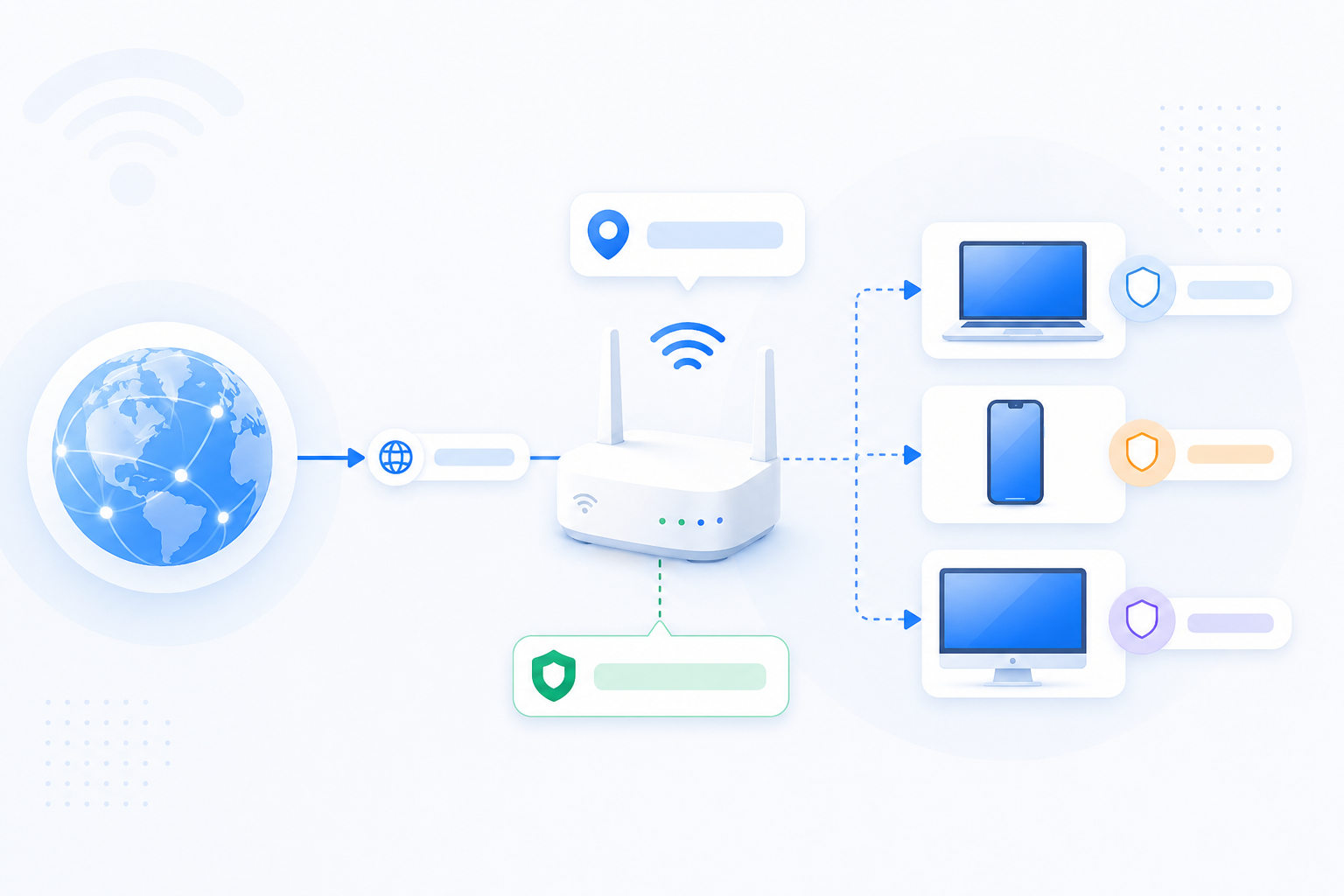
The login order matters. Many Korean users first land on the ISP gateway and only then move to the personal router that owns the actual LAN devices.
- Map the gateway -> personal router -> device chain first.
- Double NAT is common in this pattern.
- The right login order saves time before port forwarding starts.
What to know first
Step-by-step
- Open http://172.30.1.254 and confirm whether the page belongs to the ISP gateway rather than your own router.
- Check whether a second router such as ipTIME sits behind the ISP gateway and handles your actual home LAN.
- If your goal is remote access or port forwarding, compare the second router WAN IP against the ISP gateway LAN range.
- Decide whether the ISP gateway needs bridge mode, DMZ, IP passthrough, or only limited upstream changes.
- Then move to the personal router and finish the real port forwarding steps there if that router handles NAT.
Checks and notes
- Korean households often use ISP gateway plus personal router chains, so the first login page is not always the final place for forwarding.
- If the downstream router WAN IP is private, you should suspect double NAT before repeating random forwarding edits.
- If the ISP page has limited controls, write down the gateway model and ask the ISP which features are exposed.
Warnings
- Do not assume the ISP gateway and your own router share the same admin password or management role.
- If IPTV, voice, or bundled ISP services exist, be careful with bridge mode changes.
FAQ
Why is 172.30.1.254 important for port forwarding in Korea?
Because it often means the ISP gateway is still in the path. If a second router exists behind it, you may need to understand or simplify the chain before port forwarding can work reliably.
Should I port forward on 172.30.1.254 or on my personal router?
That depends on which device actually handles NAT for the target device. In many homes, the ISP gateway is upstream while the personal router is where the final rule belongs.
Recommended references
Use these after the RouterWiz guide when you want Korea-specific examples of the 172.30.1.254 gateway flow and the menu path that often appears on KT-style gateways.
Because 172.30.1.254 is a Korea-specific access pattern, the most practical supporting references are often Korean manuals or operator-side examples. Use them as confirmation, while keeping the RouterWiz page as the main decision flow.
Korean gateway examples
Use these when you want to confirm that 172.30.1.254 usually points to an ISP-side gateway and that the next step may still involve a second personal router.
KT gateway example in a carrier-by-carrier port forwarding manual
ABLESTOR Manual
A Korean PDF guide that explicitly states 172.30.1.254 is a common KT internal access address and tells users to confirm the real default gateway first.
Useful as a Korea-specific second opinion that matches RouterWiz's main point: the first gateway page you open may be an ISP device, not the final router for forwarding.
KT HOME HUB example manual
IDIS / CCTV365 manual
A Korean setup manual that shows the KT HOME HUB login flow on 172.30.1.254 and the common path toward advanced settings and traffic management.
Helpful when you need a concrete screen-flow example of how a Korean ISP gateway is often used before a downstream router takes over.
Korean dorm router setup guide listing KT admin address
Seoul National University dorm guide
A Korean institutional PDF that lists common router admin addresses, including KT at 172.30.1.254, alongside ipTIME and other vendors.
Useful as a quick Korea-specific reference that reinforces RouterWiz's message about checking the exact gateway by vendor instead of guessing.