
Tool
Port Checker
Test whether a TCP port appears open on your current public IP, then move straight into the right troubleshooting path when it stays closed.
Live test
Check a port on your current public IP
Important note
RouterWiz only checks the requester public IP. You cannot enter someone else's IP address here.
See the flow visually
Read the result as a decision point, not the finish line
Result interpretation preview
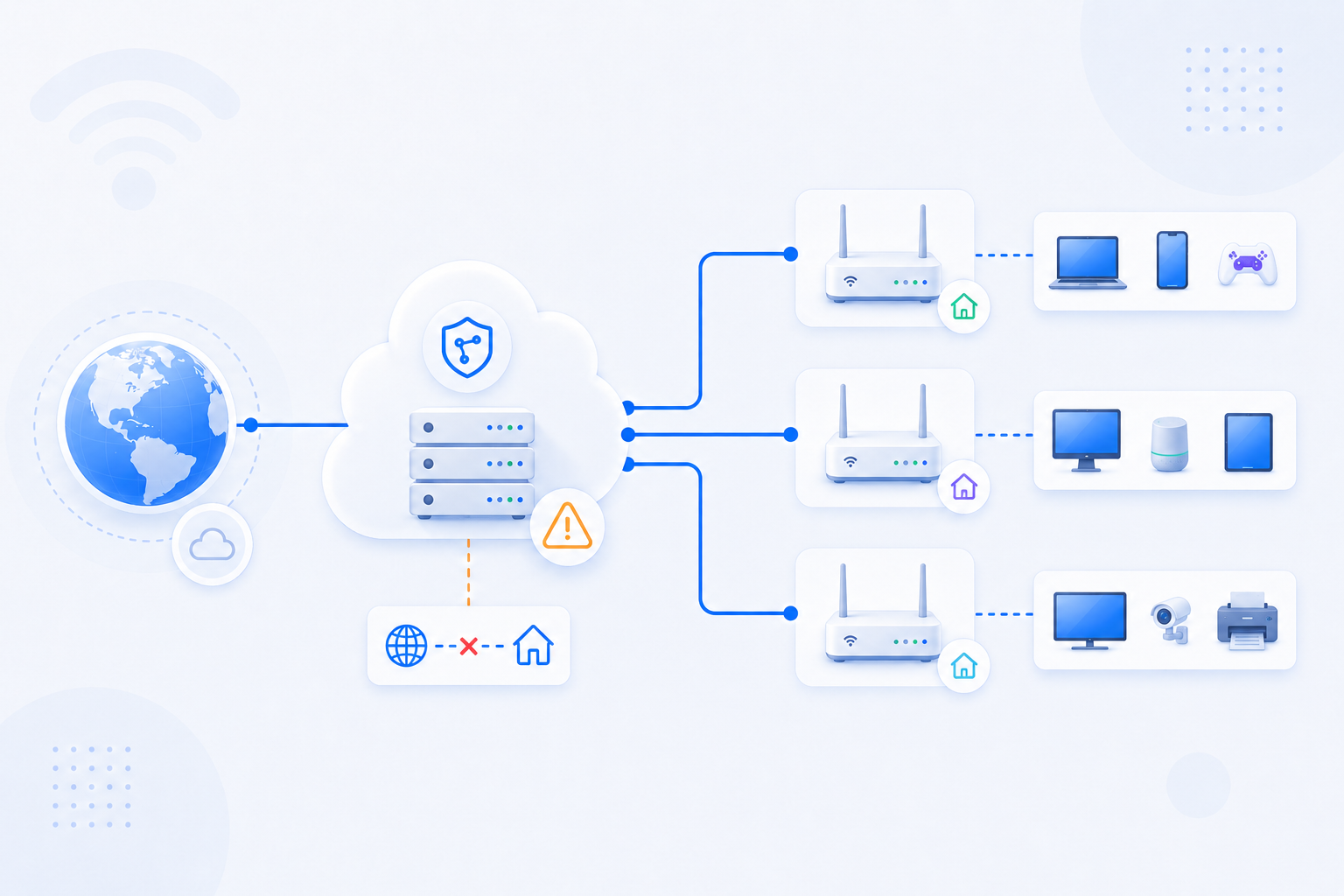
A closed or refused result should immediately narrow the problem. Router rules are only one layer in the path.
- Open often means the service is reachable and you should verify the application itself next.
- Closed or refused often means no listener, wrong internal IP, firewall, or upstream NAT trouble.
- If the path keeps failing, compare your WAN structure and check Double NAT or CGNAT.