
Tool
Port Forwarding Wizard
Turn a use case, port, protocol, and internal IP into the exact values you should prepare before opening the router admin page.
Plan generator
Generate router-ready port forwarding values
Important note
Port forwarding breaks easily when the target device IP changes. Use DHCP reservation or a carefully planned static IP before you save the rule.
Browser Assist handoff
Once the values are ready, continue into Browser Assist for the live router menu path.
The wizard prepares the values. Browser Assist continues the task inside the real router admin page and shows where those values belong.
- Map Service Name, Port, and Protocol into the real router field names.
- Translate menu differences such as Advanced, NAT, or Virtual Server in the live UI.
- Hand off straight into Port Checker after the save step.
API endpoint
External services can call POST /api/tools/port-forward-plan to turn a use case, internal IP, router brand, and optional custom port into router-ready values.
curl -X POST https://routerwiz.com/api/tools/port-forward-plan \
  -H "Content-Type: application/json" \
  -d '{
    "useCase": "minecraft",
    "routerBrand": "iptime",
    "internalIp": "192.168.0.34"
  }'
See the flow visually
Translate the task into the router form before you log in
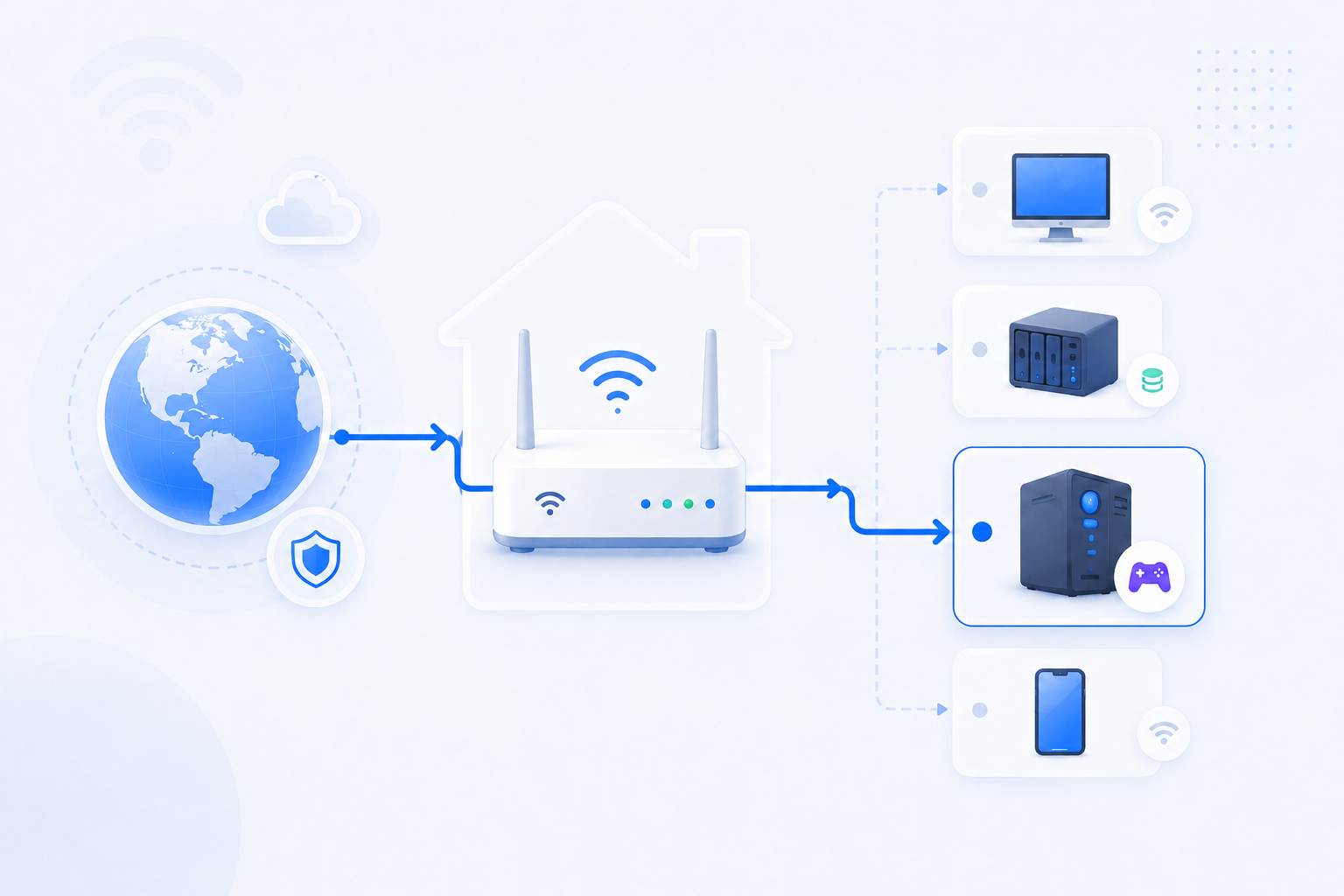
Most users are not blocked by the idea of port forwarding itself. They are blocked by field mapping. The wizard reduces that confusion first.
- Decide the service name and port pair before you open the admin page.
- Use the LAN IP of the actual device running the service.
- Run Port Checker after saving the rule so the result can confirm the path.