
Tool
Public Service Check
Check whether a public host resolves correctly, whether the TCP port opens, and whether an HTTP or HTTPS response comes back from the same route.
Public path
Public Service Check
This API only accepts public hosts or public IPs. Private LAN addresses, localhost, and internal-only targets are blocked.
Use this when you want one browser-side tool to answer whether the public host resolves, the TCP port opens, and the web service responds.
API endpoint
External services can call POST /api/tools/public-service-check to combine target resolution, TCP reachability, and optional HTTP or HTTPS response checks in one request.
curl -X POST https://routerwiz.com/api/tools/public-service-check \
  -H "Content-Type: application/json" \
  -d '{
    "target": "example.com",
    "port": 443,
    "protocol": "tcp",
    "scheme": "https"
  }'
See the flow visually
One check for the public path before deeper WAN debugging
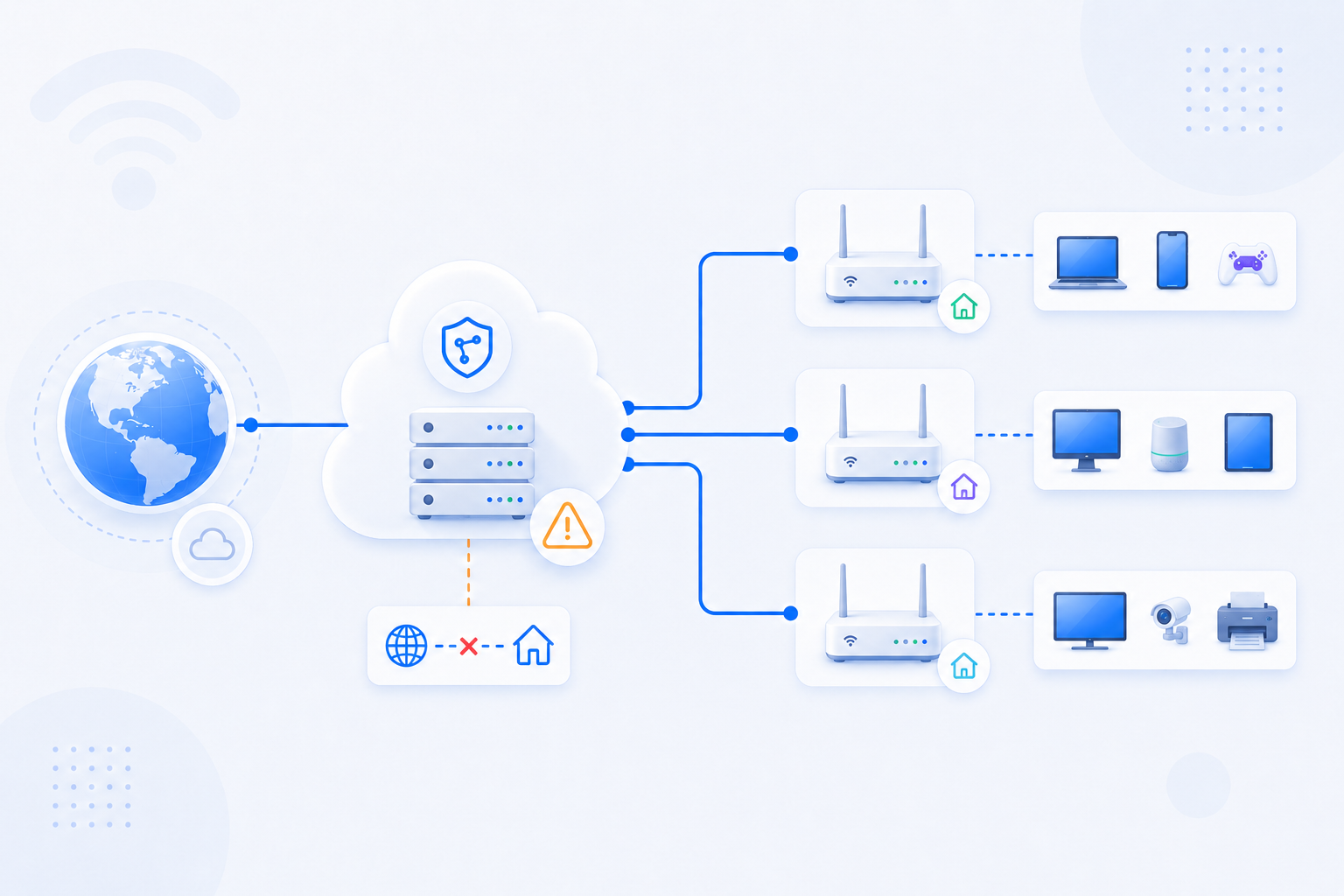
This tool is useful when you do not want to jump between separate IP, port, and HTTP tests first. Resolve the public target, test the port, and confirm whether an HTTP or HTTPS response actually comes back.
- Use it before blaming DDNS, reverse proxy, or TLS configuration.
- If TCP is closed, go back toward port forwarding and NAT diagnosis.
- If TCP is open but the web response still fails, move up into HTTP Headers or SSL Check next.