
Tool
SSL Check
Check TLS protocol support and certificate validity for a public hostname and port before you blame the router alone.
TLS
SSL Check
See the flow visually
HTTPS problems are often DNS, TLS, and routing together
TLS path preview
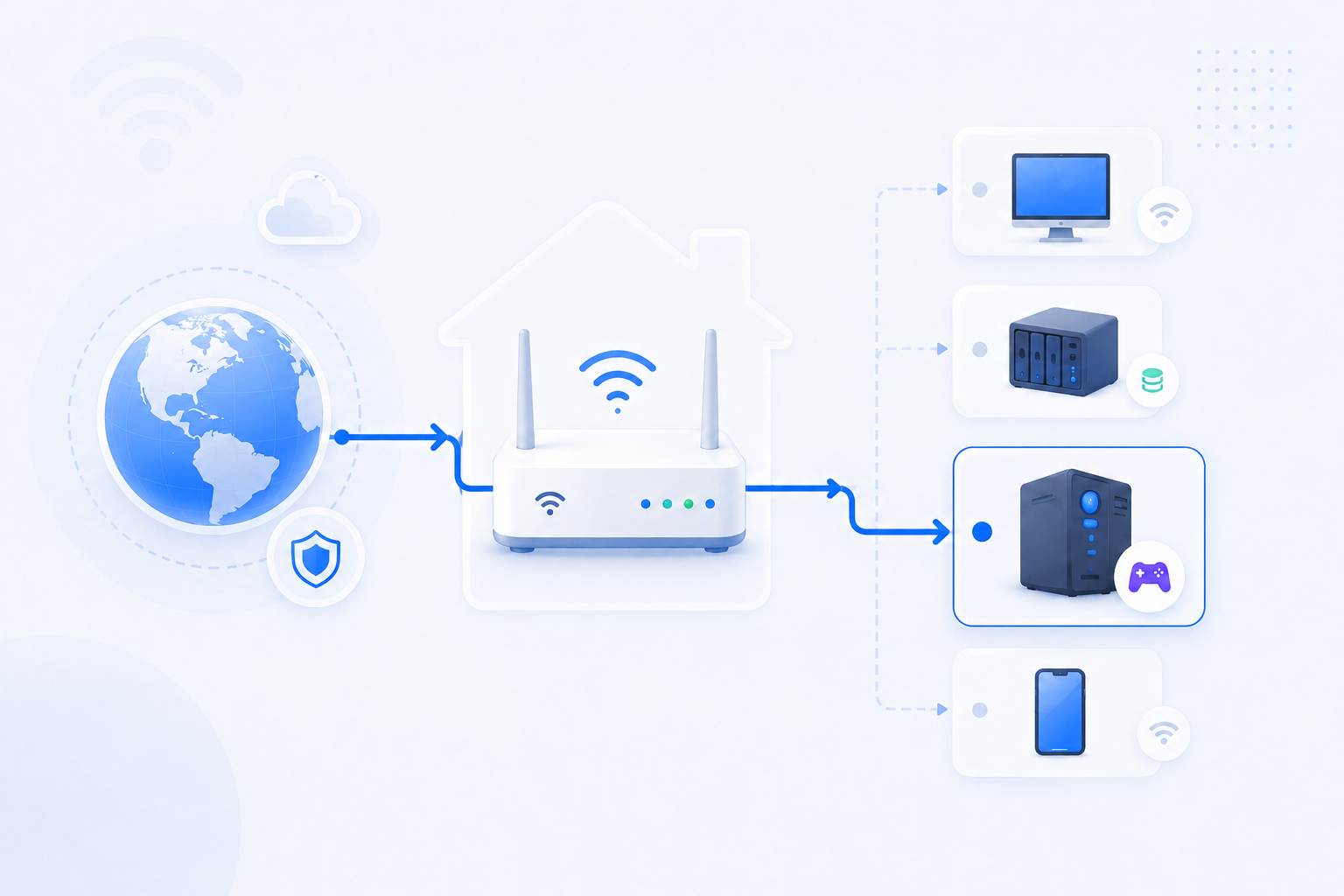
A certificate warning can come from the wrong host, an expired certificate, a mismatched reverse proxy path, or a router path that never reaches the intended service.
- Confirm the hostname first, then inspect TLS and certificate dates.
- If 443 is not reachable, go back to port checks and router rules.
- Use headers and TLS together for web-facing home services.