
Use Cases
Use-case content should start with the real user goal, not the protocol.
RouterWiz should group pages around what users are trying to finish: fix strict NAT for gaming, reach Plex or a NAS remotely, publish a web server, open an FTP service correctly, or expose a VPN server without guessing ports.

Gaming and Strict NAT
Console and PC gaming NAT type issues, party chat failures, and matchmaking friction.
Open
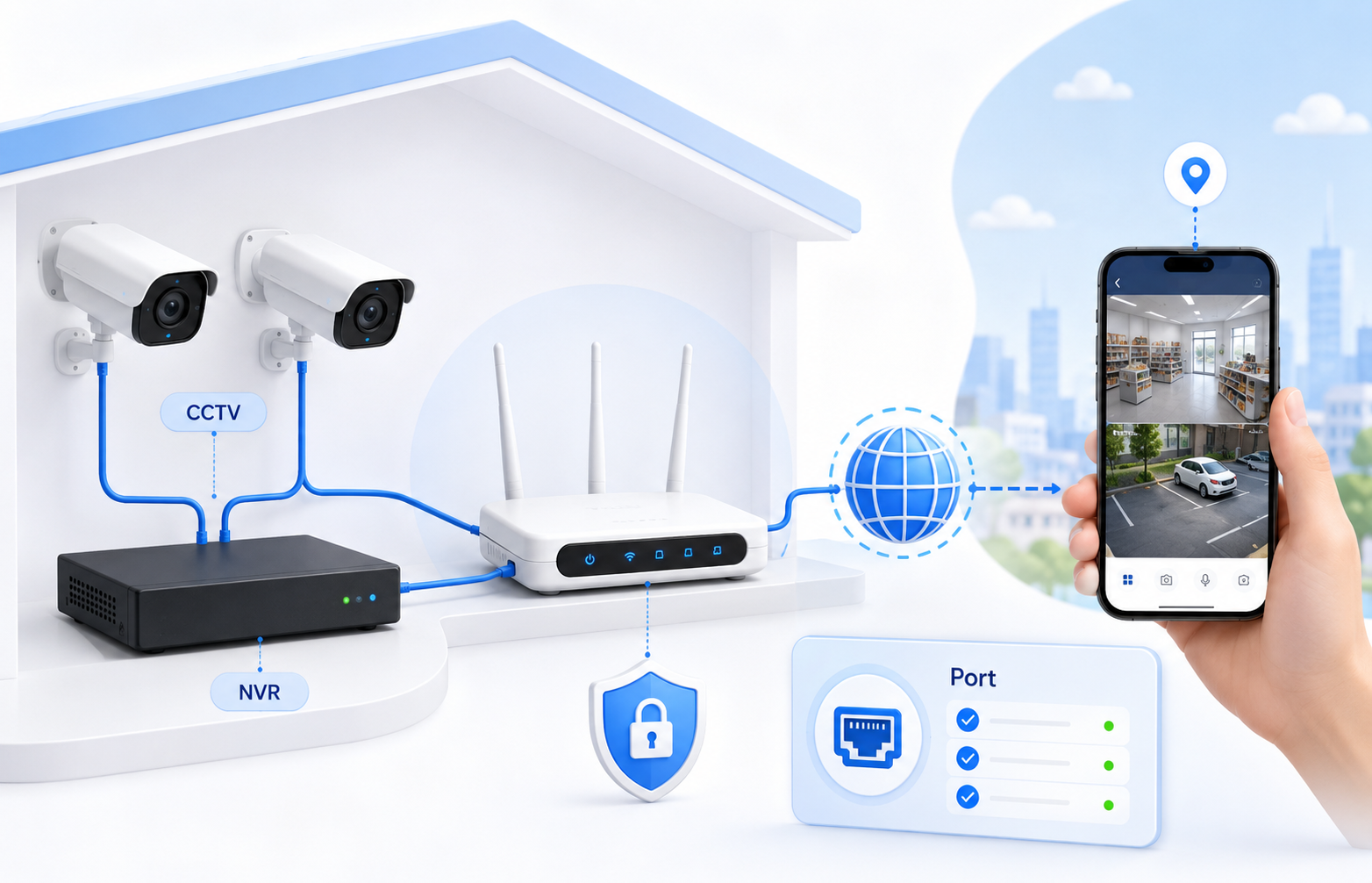
CCTV, NVR, and Remote Cameras
Remote camera viewing, DDNS, ISP limitations, and exposure warnings.
OpenPlex, NAS, and Media Access
Remote Plex access, stable LAN targets, public service checks, and safer alternatives.
Open
VPN Server and Secure Remote Access
OpenVPN, WireGuard, DDNS, and when tunnel-based alternatives are better.
Open
Web Server and HTTPS Publishing
Port 80/443 exposure, reverse proxy patterns, and tunnel-based fallback designs.
Open
FTP Server and Passive Mode
Control ports, passive ranges, and why FTP is more than port 21 alone.
OpenRelated visual cues
Helpful visuals for this page
Selected generated visuals that support this hub.
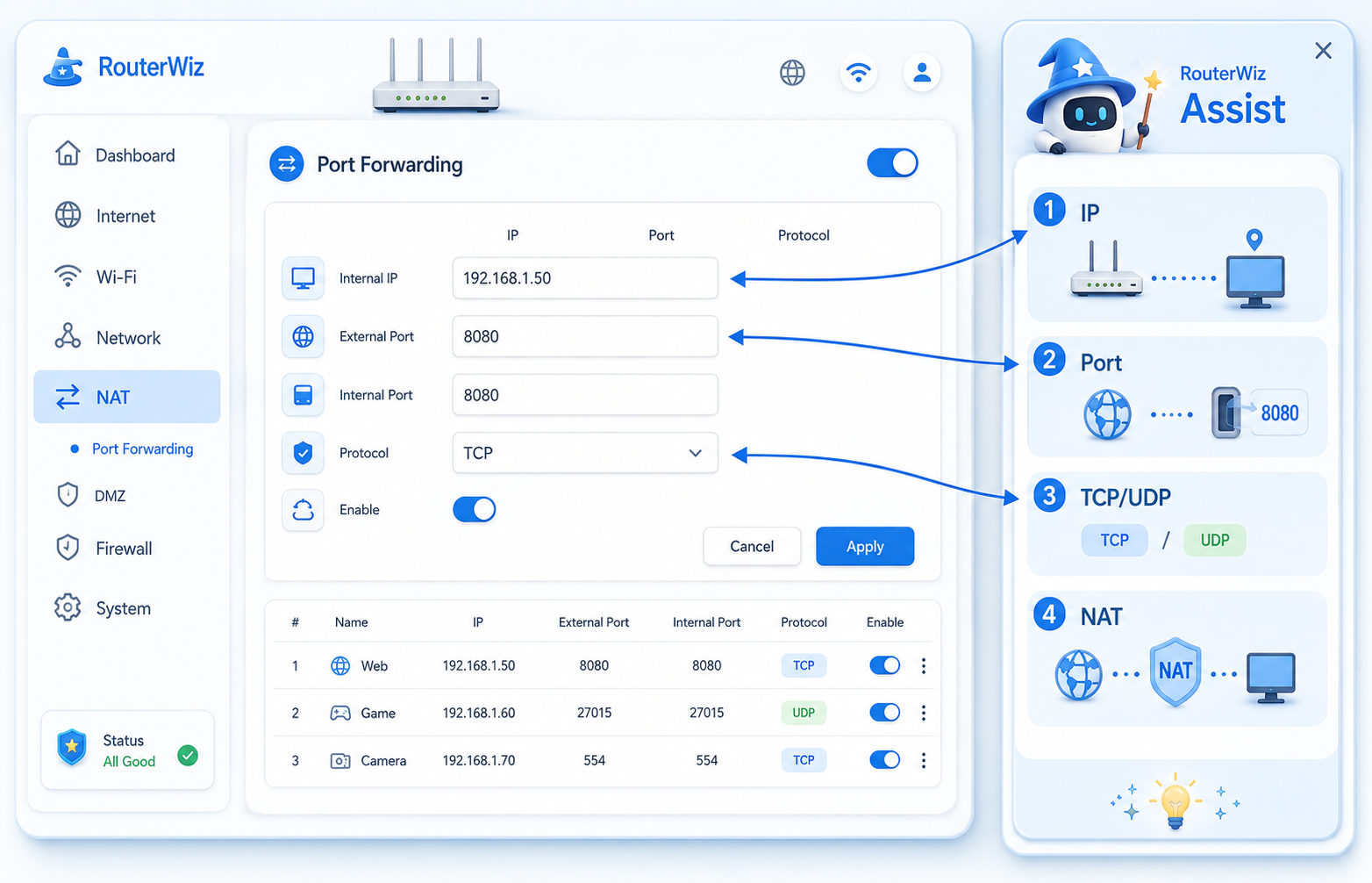
Use-case families
- Gaming and NAT type issues
- CCTV, NVR, and remote monitoring
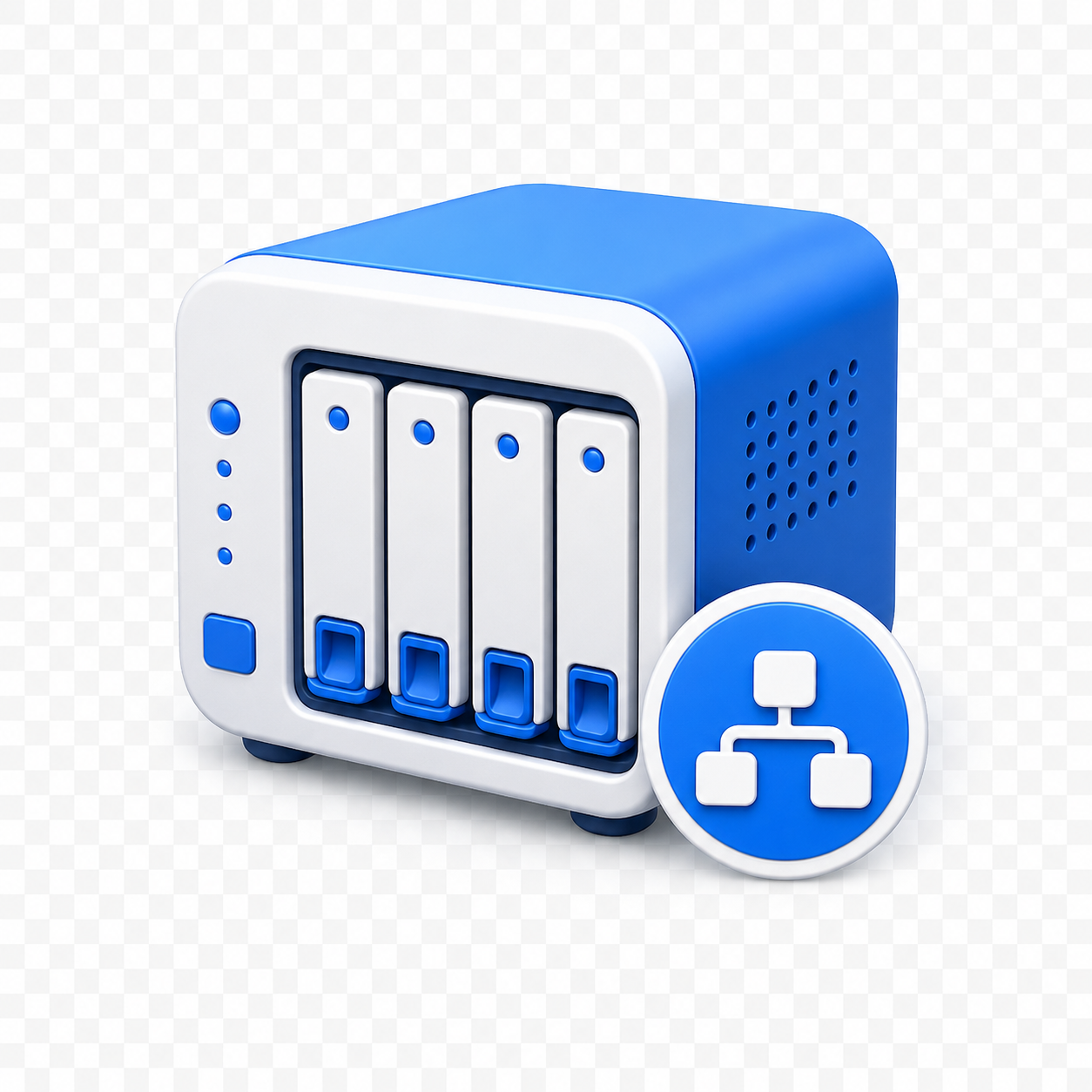
- NAS, Plex, and remote media access
- VPN, web server, FTP, and business-like remote access
How to structure each page
- State the use case clearly first.
- List the real ports, protocol, and internal target logic.
- Explain the service-specific traps before the user opens the router menu.
- Link to router login, wizard, port check, and failure diagnosis.
Detailed page plan: gaming pages
- Explain NAT type symptoms and platform-specific friction.
- Separate host-server setup from client-console NAT issues.
- Connect directly to strict NAT and double NAT troubleshooting.
Detailed page plan: remote access pages
- Explain when direct exposure is acceptable and when it is not.
- Offer relay, VPN, reverse proxy, and tunnel alternatives where relevant.
- Surface security warnings early for RDP, NAS, FTP, web, and camera systems.