
Wi-Fi Settings
Wi-Fi content should teach access, security, coverage, and stability.
The Wi-Fi hub should explain the settings users change most often, but it also needs to show the side effects of each change: reconnecting devices, security tradeoffs, channel congestion, and guest network behavior.
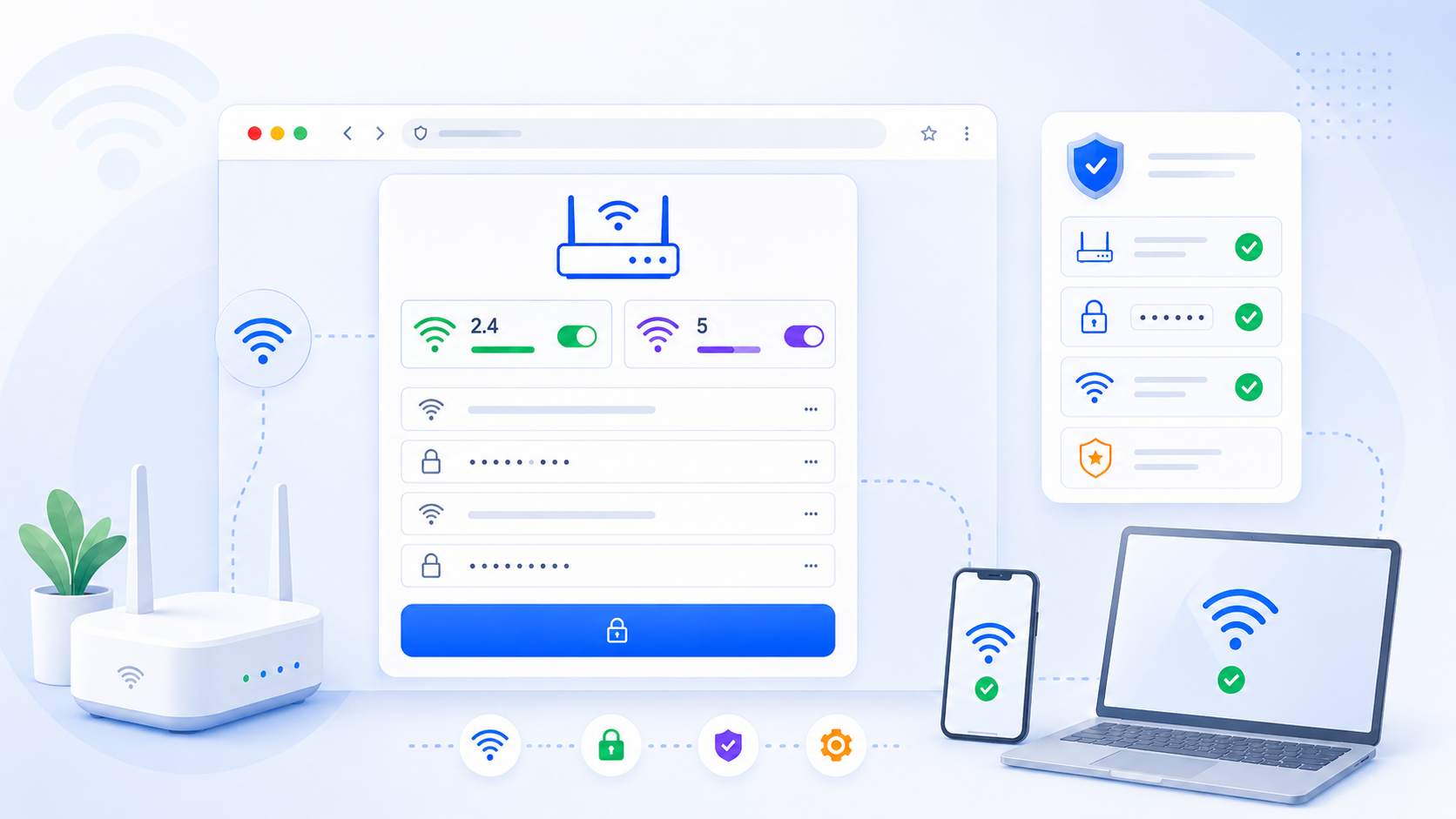
Change Wi-Fi Name and Password
How to update SSID and Wi-Fi password safely without locking yourself out.
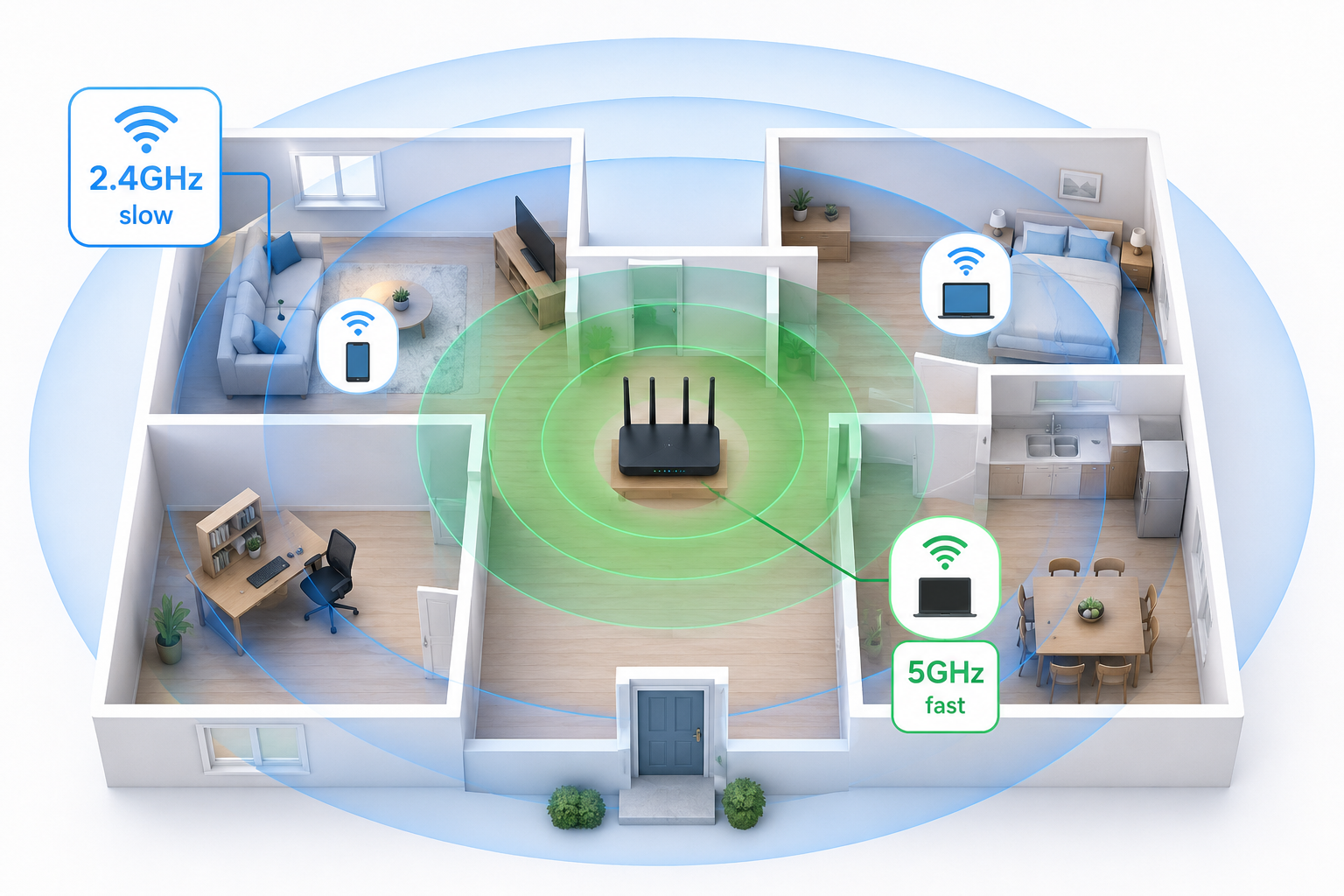
Open2.4GHz vs 5GHz vs 6GHz
What each band is good for and how it affects range, speed, and compatibility.
OpenChannel and Channel Width
Choose better channels and understand width tradeoffs for congestion and speed.
OpenWPA2, WPA3, Guest Wi-Fi, and WPS
Core security and convenience settings that matter for home users.
OpenRelated visual cues
Helpful visuals for this page
Selected generated visuals that support this hub.
What belongs in this hub
- SSID and Wi-Fi password changes
- 2.4GHz, 5GHz, and 6GHz band guidance
- Channel, channel width, and congestion basics
- Guest Wi-Fi, WPA2, WPA3, WPS, and mesh settings
Why this hub matters
- Wi-Fi changes are one of the most common reasons users log in to the router at all.
- Security, usability, and performance settings are often mixed together in one menu.
- Strong Wi-Fi content creates trust before users attempt more advanced tasks like port forwarding.
Detailed page plan: SSID and password
- Explain what changes immediately disconnect devices.
- Show safe order: rename, save, reconnect, then verify.
- Link to admin login and security FAQ.
Detailed page plan: bands and channels
- Define range vs speed tradeoffs by band.
- Explain channel overlap and interference simply.
- Link to troubleshooting for weak or unstable Wi-Fi.