Router Login

Router login is where port forwarding really starts.

RouterWiz should not treat login as a tiny pre-step. The main job is helping users identify the right router, the right admin address, the right password label, and the right recovery path before they touch port forwarding or advanced settings.

Fast login workflow

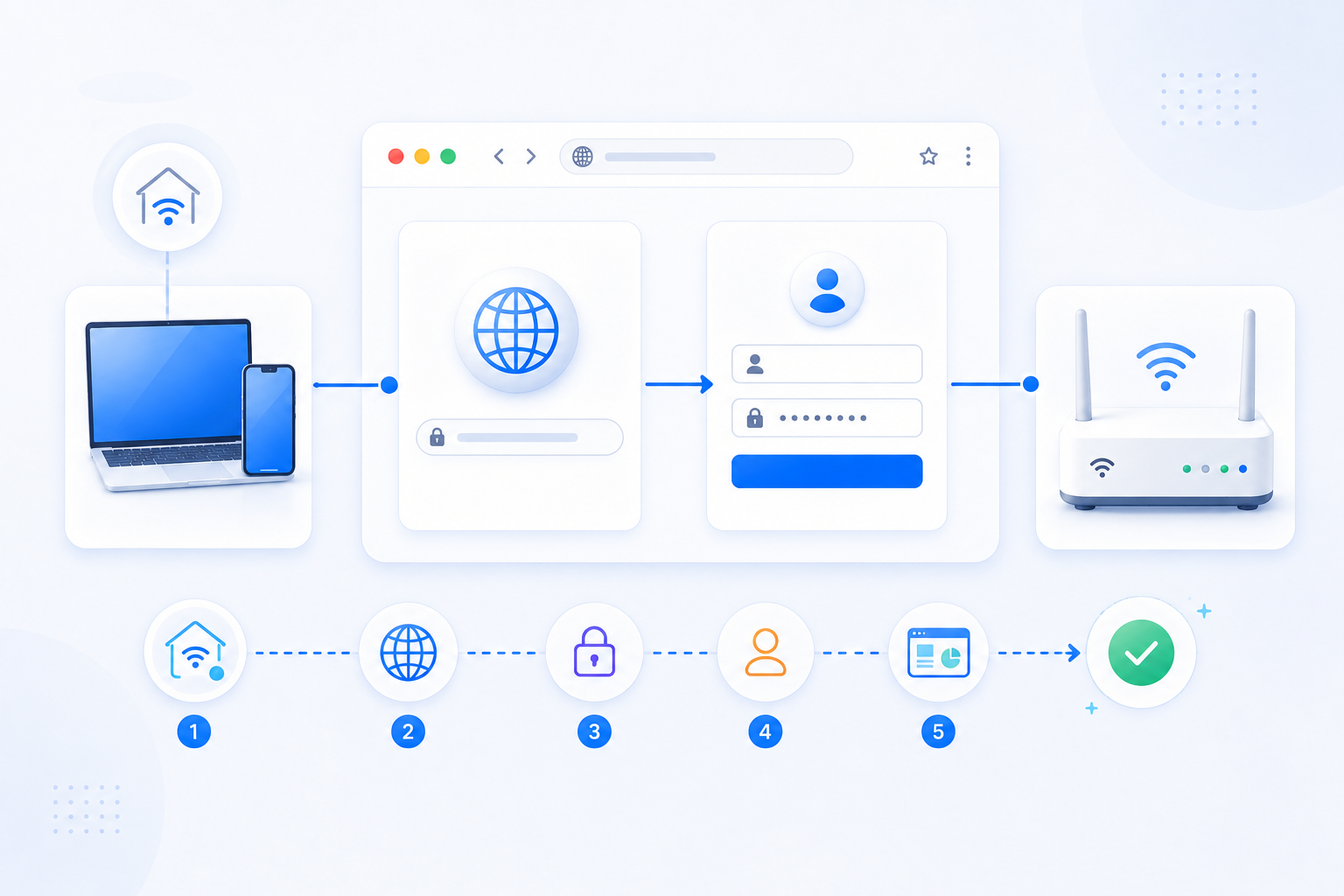
  1. Connect to the same Wi-Fi or Ethernet network as the router first.
  2. Confirm the Default Gateway instead of repeating blind admin IP guesses.
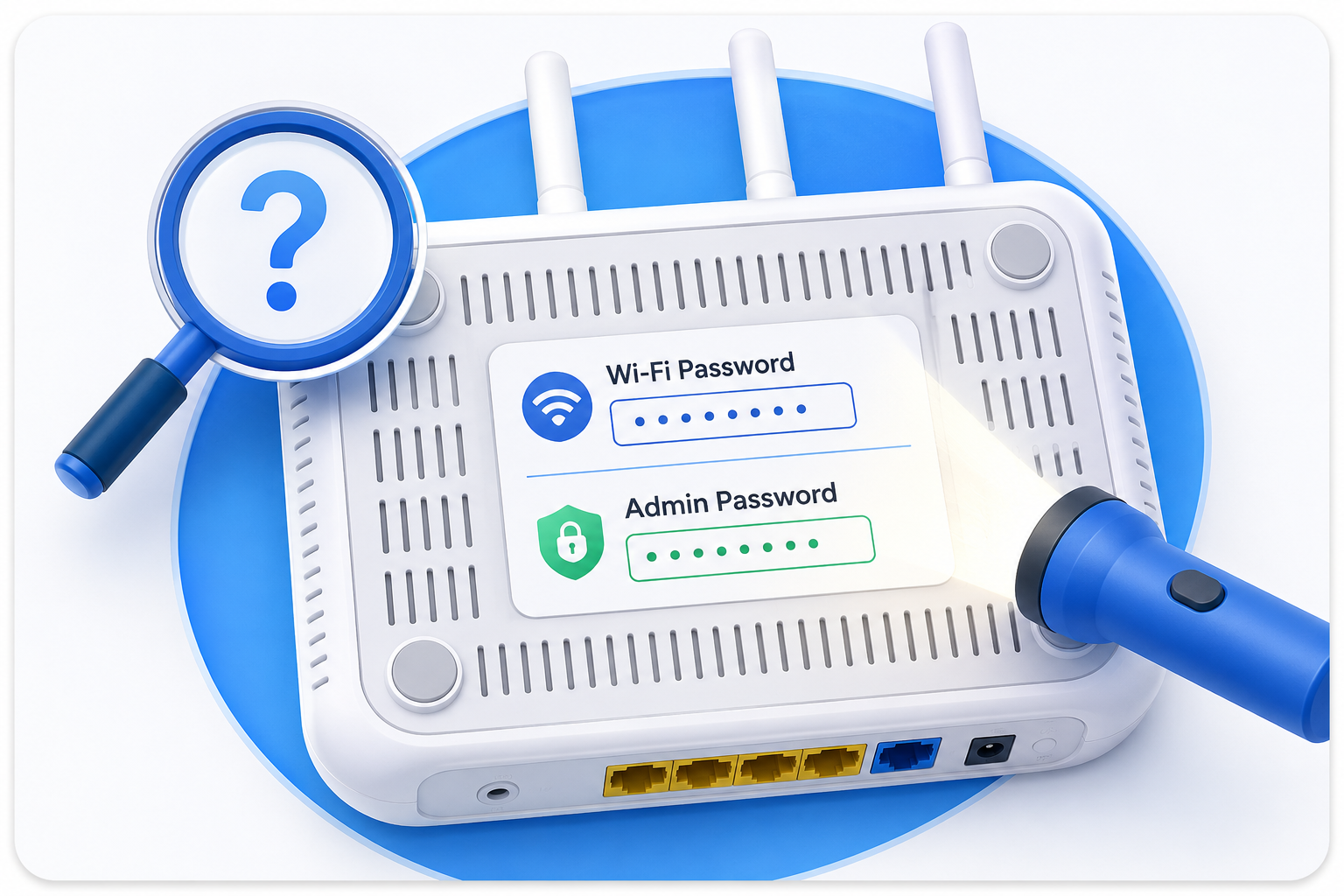
  3. Read the current login page and the device sticker before you assume a password.
  4. If another gateway sits in front, decide which router should actually handle the next setup step.

What to avoid

  • Do not confuse the Wi-Fi password with the router admin password.
  • Do not trust random default-credential lists without confirming the exact model and role of the device.
  • Do not factory reset until you understand the recovery impact on WAN, Wi-Fi, IPTV, or forwarding rules.

Visual guidance

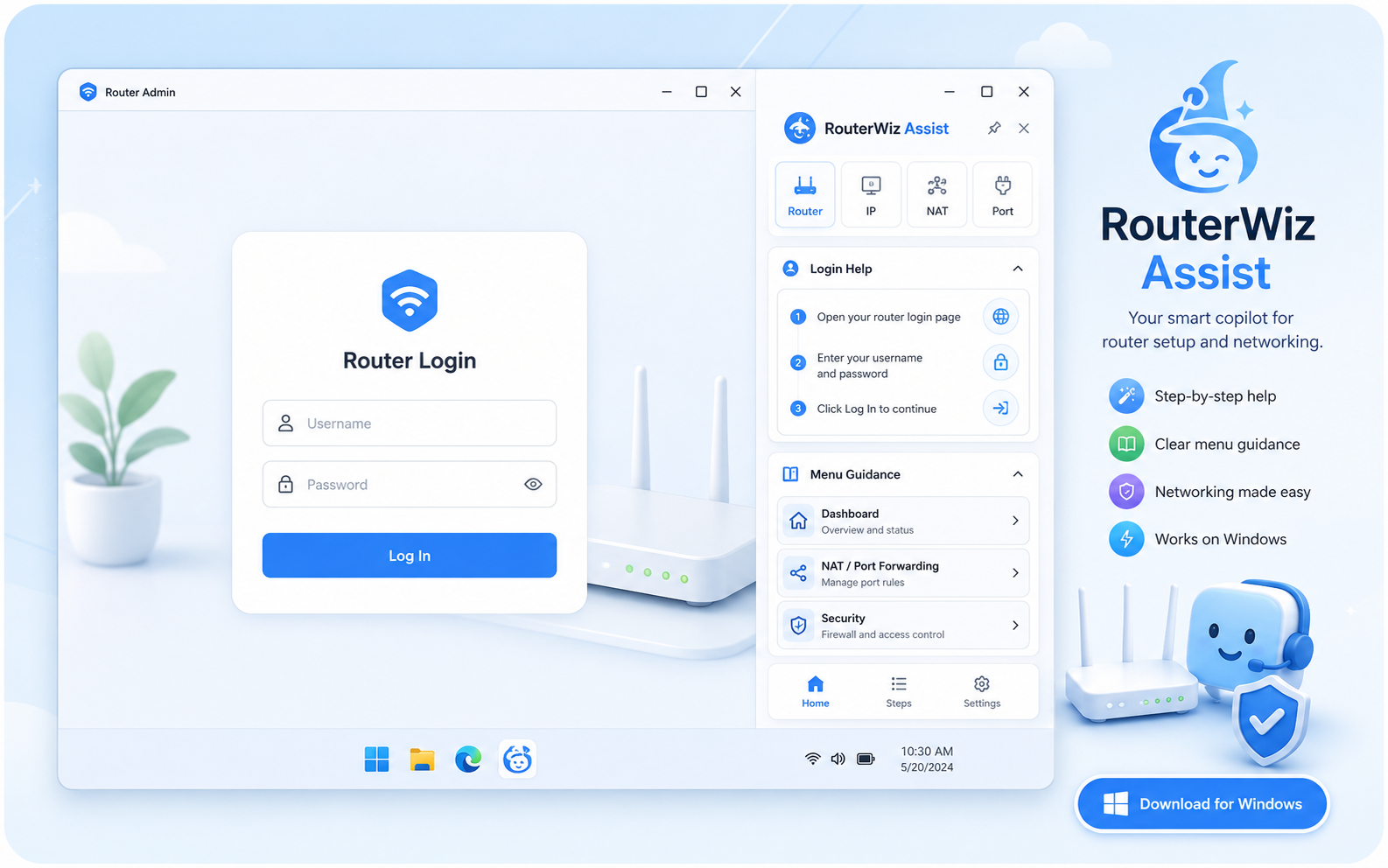
Router login is easier when the page and the path are shown visually.

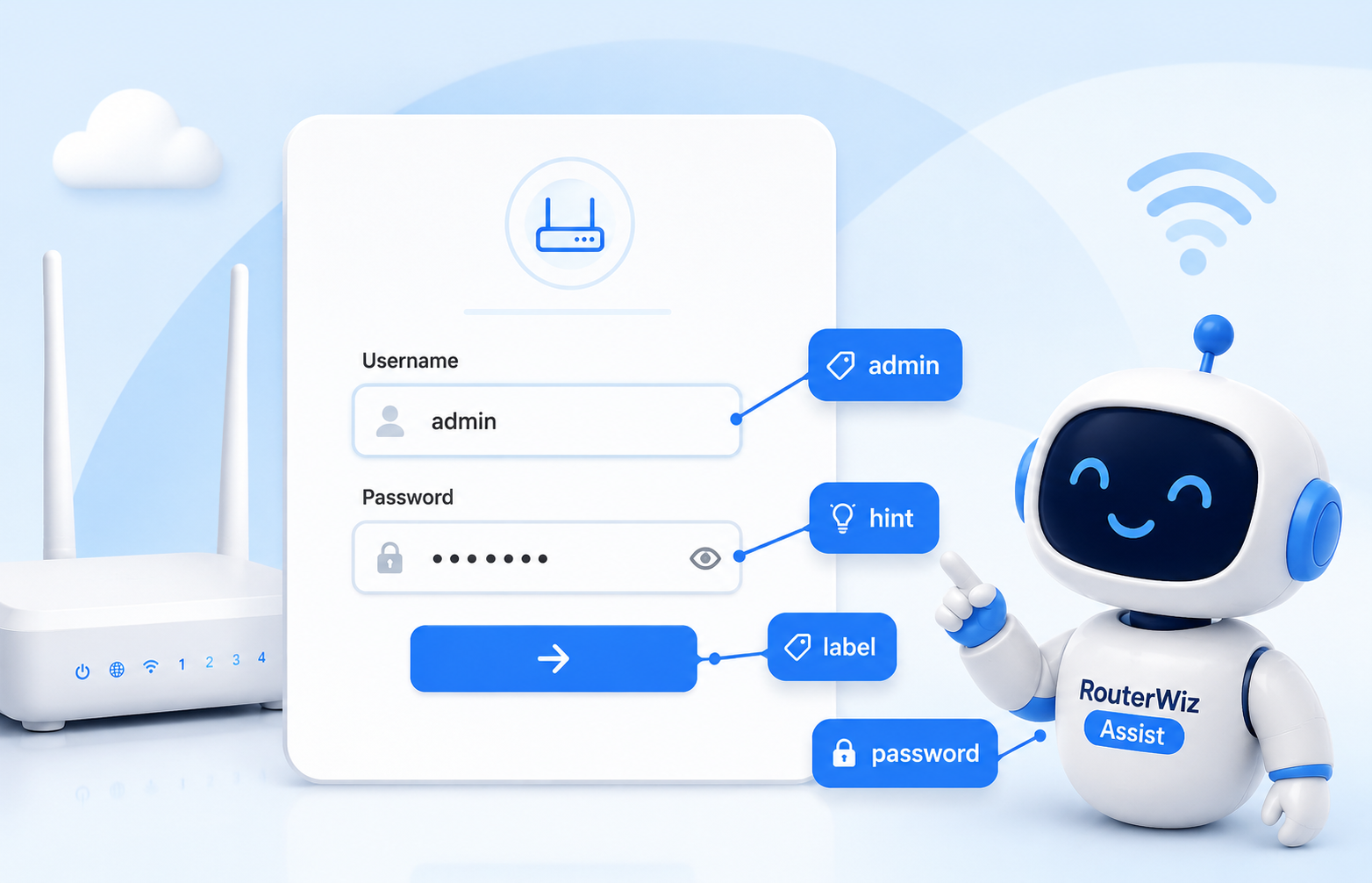
Users get unstuck faster when RouterWiz shows what a real login screen looks like and when a modem or ISP gateway sits in front of the actual router.

Short walkthrough preview

Read the login page before you type anything

A useful login guide should show how to read the current screen first: username + password, password only, captcha, and device branding all change the next move.

  • Separate the router admin password from the Wi-Fi password.
  • Use the logo, hostname, and label wording to identify the device first.
  • Only then decide whether password recovery or router-path checks matter more.
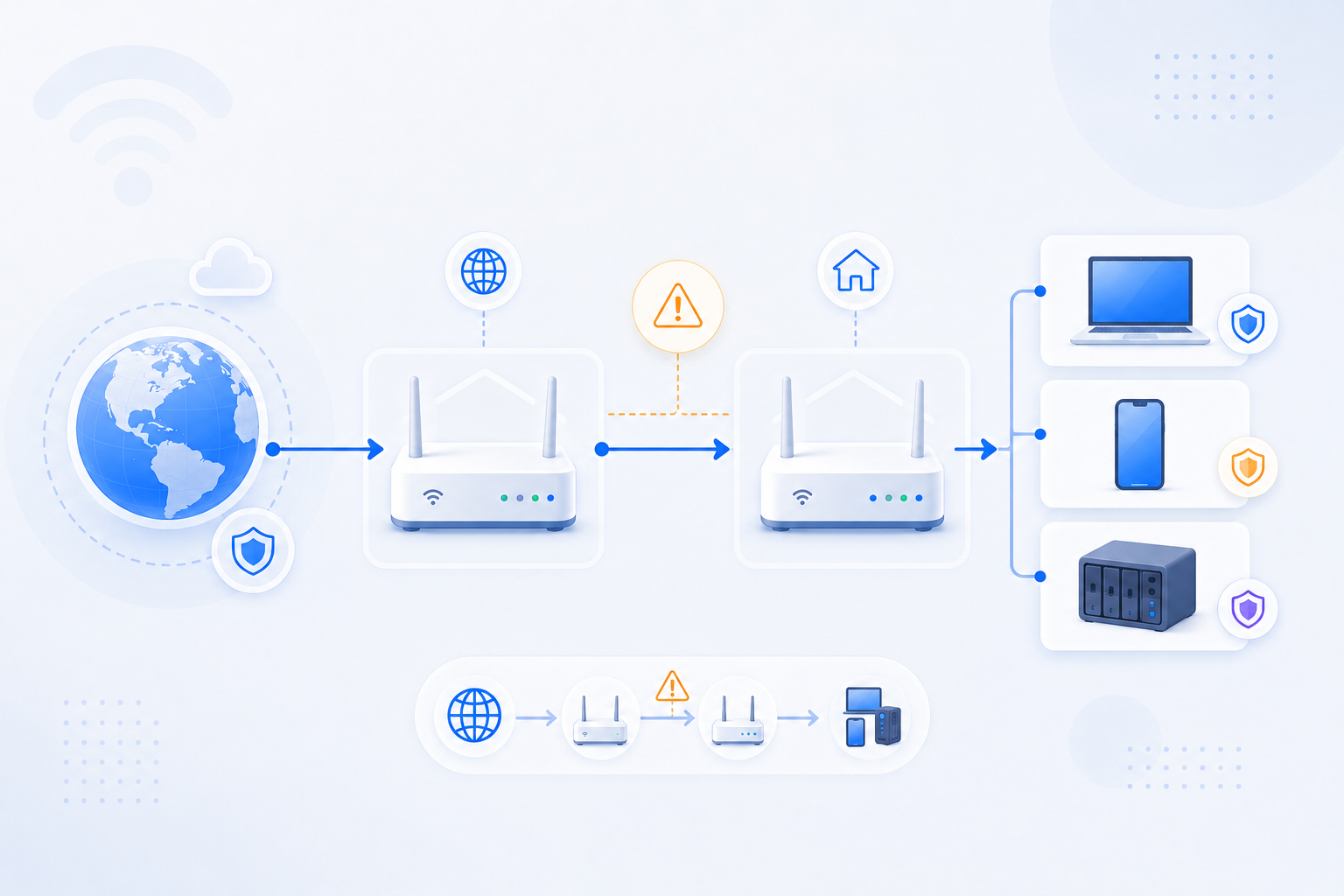
RouterWiz double NAT network path diagram
Short walkthrough preview

Login is often really a router-path problem

In many homes, especially ISP gateway plus personal router setups, the first page that opens is not always the final place where port forwarding should happen.

  • Gateway -> personal router -> device chains are common.
  • The correct login order matters as much as the password itself.
  • If the wrong router opens first, double NAT troubleshooting is often the next stop.

Quick start

Start from the most likely admin path or recovery action.

The login hub should make it obvious whether the user needs an IP address, a password recovery path, or a router-path decision before anything else.

Router login map

Keep admin IPs, recovery paths, and Korea-first gateway patterns side by side.

RouterWiz should help both the user who already knows the IP and the beginner who still needs to find the correct device and the correct credential path.

Common admin IPs

Password and recovery

Gateway and Korea-first patterns

Beginner help

Keep the basics close to the login journey.

If a user does not understand gateway, private IP, public IP, or double NAT, even the right login page can still feel confusing.