
Troubleshooting
CGNAT Guide
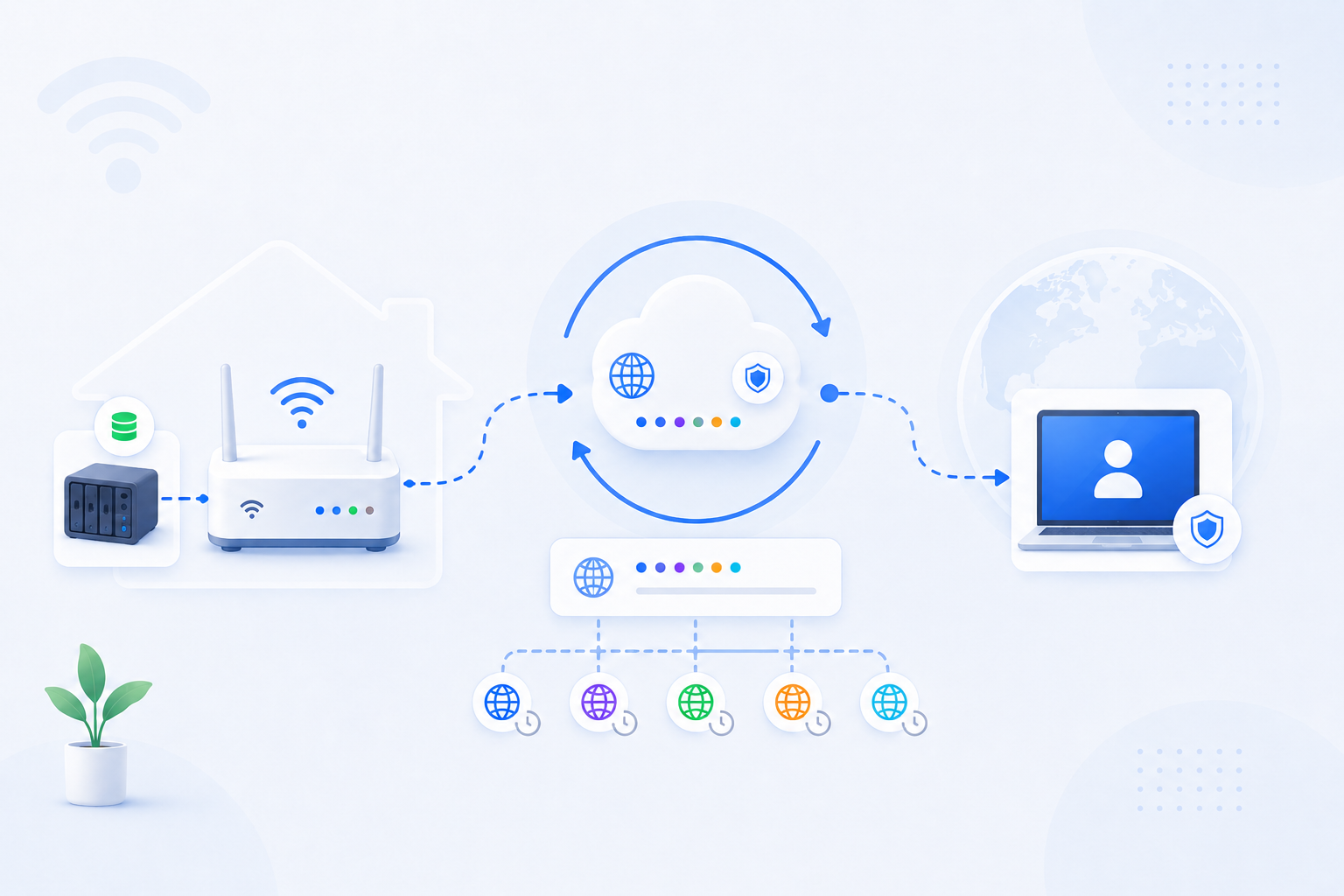
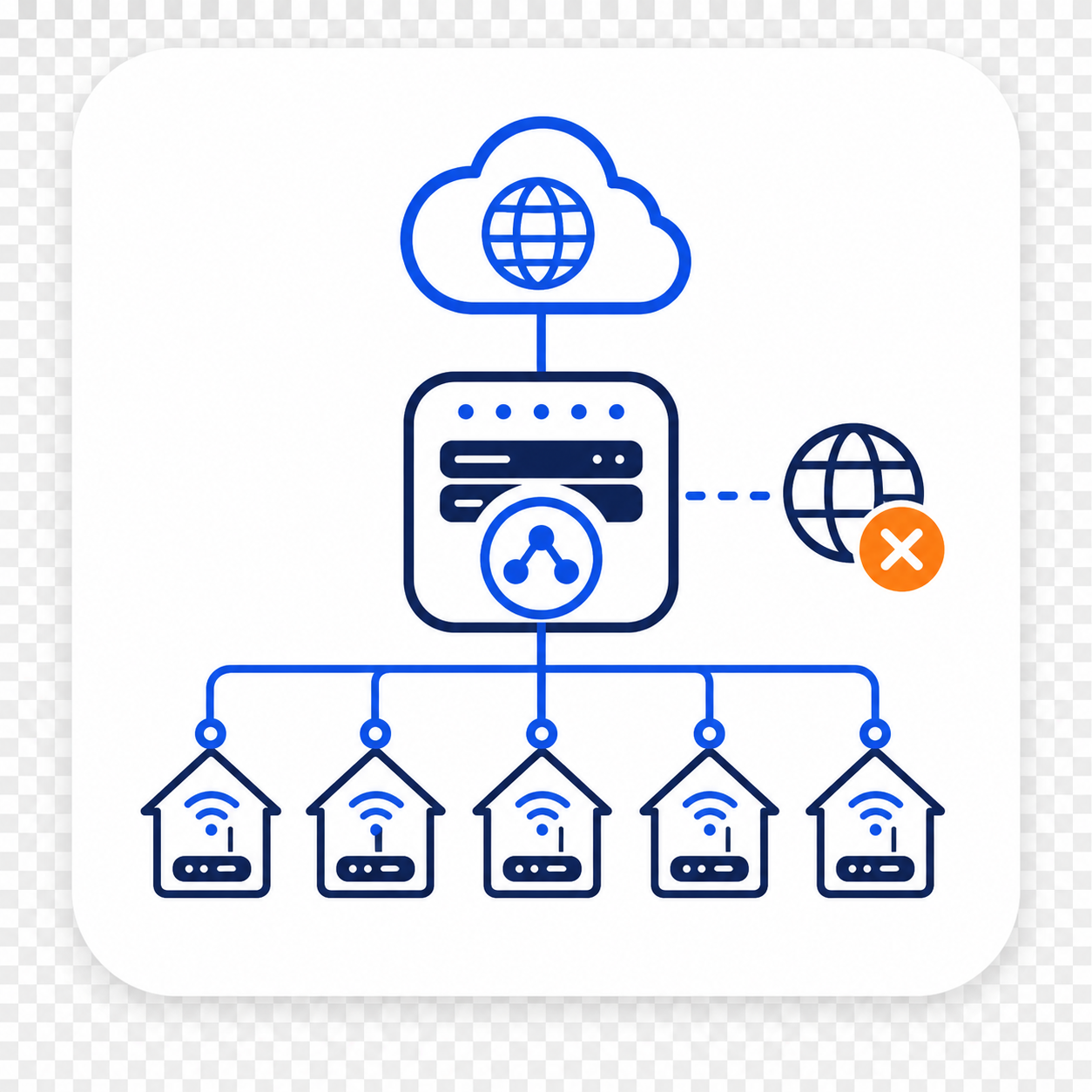
Carrier-Grade NAT means your ISP is sharing public IPv4 space across many customers. In that situation, your router can be configured perfectly and port forwarding can still fail because the public inbound path is controlled upstream by the carrier network, not by your home router alone.
Expanded troubleshooting review - May 7, 2026
Quick context
CGNAT is different from ordinary home Double NAT. With Double NAT, you can often still fix the problem by changing your own devices. With CGNAT, the real bottleneck is in the ISP network. If you do not receive a routable public IPv4 address, classic inbound hosting, direct NAS access, game server hosting, and many camera or remote desktop flows will never work the way a normal port forwarding guide assumes.
Use this order before you start changing settings.
Related visual cues
Helpful visuals for this page
Selected RouterWiz visuals that match this topic.
What to know first
Step-by-step
- Check your public IP on the web and compare it with the WAN IP reported by your router. If the path still does not behave like a normal public IPv4 setup, do not assume the router is the only problem.
- Look for shared-address clues such as 100.64.0.0/10 or ISP language that says the line uses shared IPv4, private WAN, mobile carrier NAT, or carrier-grade NAT.
- Rule out ordinary Double NAT first. If you still control two devices at home, that may be a separate fixable issue. CGNAT becomes the stronger suspect when the public IPv4 path itself is not directly assigned to your connection.
- Contact the ISP and ask a direct question: does this line receive a real public IPv4 address for inbound connections, and if not, is there a public IPv4 option, static IP option, bridge mode path, or business plan that provides one?
- If the ISP can provide a public IPv4 address, confirm any extra cost, whether the change is dynamic or static, and whether any modem or gateway restart is required after the change.
- If the ISP cannot provide a usable public IPv4 path, stop spending time on repeated port forwarding edits. At that point the classic router rule is not the real blocker anymore.
- Move to practical alternatives instead: relay-based remote access, VPN products, tunnel services, vendor cloud relay, or an architecture that does not depend on direct inbound IPv4.
- If you still need a hostname, combine the chosen alternative with DDNS or the vendor's connection method. The hostname alone does not solve CGNAT if the inbound address is not truly yours.
- Document the ISP response and the chosen workaround. This saves time later and prevents repeating the same failed port forwarding steps on the same line.
Checks and notes
- CGNAT and double NAT can look similar from the outside, but CGNAT is ISP-side and cannot be fixed inside your home router alone.
- Some services still work through vendor cloud relay even when classic inbound forwarding does not.
- Mobile broadband, some budget residential lines, and certain shared ISP deployments are more likely to use CGNAT.
- If the ISP says inbound servers are unsupported on the current plan, that is often a strong sign that a normal public IPv4 path is not being provided.
Warnings
- A perfectly configured router cannot overcome the lack of a routable public IPv4 address on its own.
- Do not confuse DDNS with a CGNAT solution. DDNS only tracks an address; it does not make a shared carrier address become your own inbound endpoint.
- Do not keep opening more ports just to guess your way past CGNAT. If the ISP path is shared, the router is not the real bottleneck.
FAQ
How is CGNAT different from Double NAT?
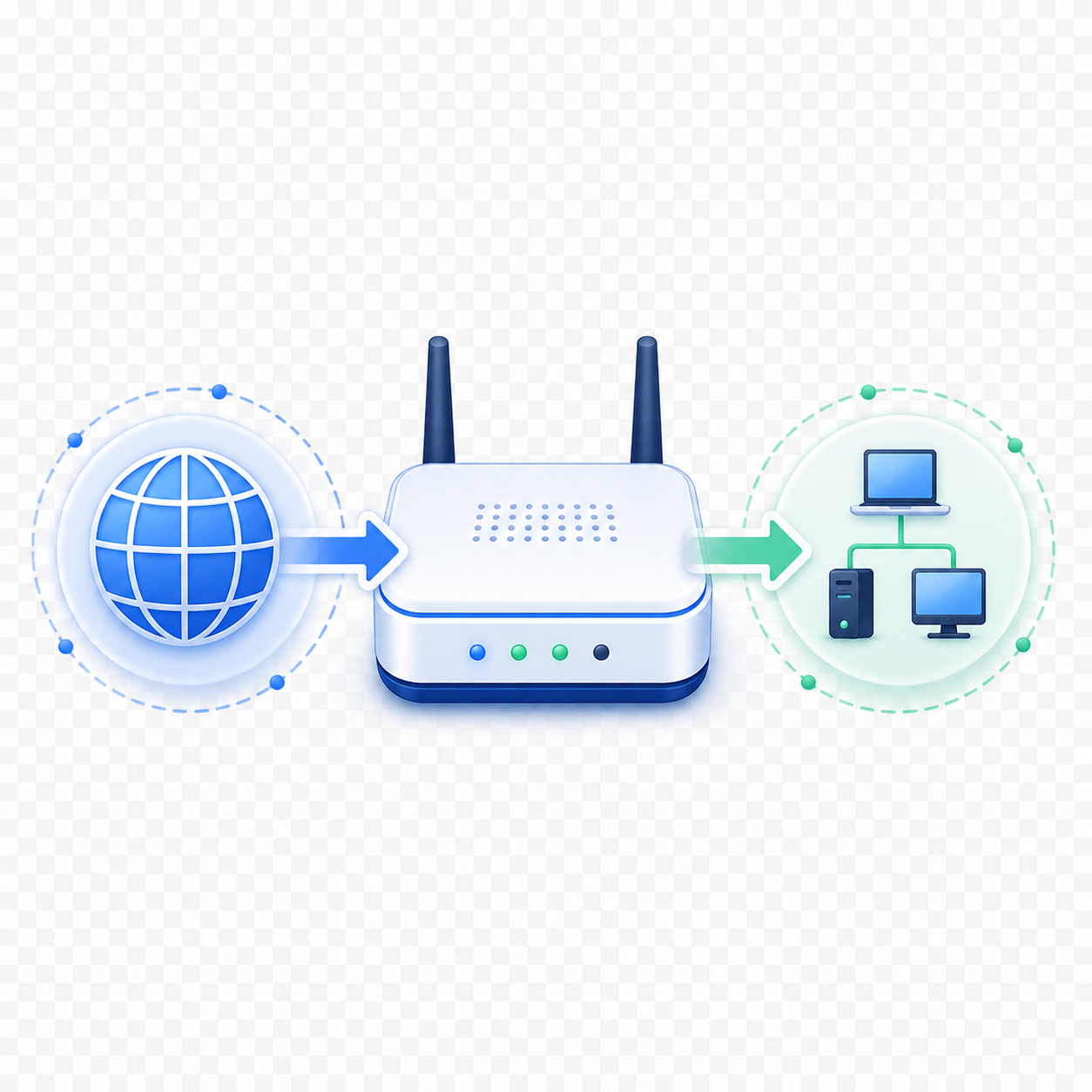
Double NAT usually happens because two routing devices are active in or near your home, such as an ISP gateway and your own router. CGNAT usually means the shared NAT layer exists in the ISP network itself. With Double NAT, you often still have a local fix. With CGNAT, the carrier network owns the public path, so the home router alone cannot solve inbound IPv4 hosting.
What is the biggest practical sign of CGNAT?
One of the biggest signs is that your connection never behaves like a truly direct public IPv4 path, even when your home router rules are clean. Shared address ranges such as 100.64.0.0/10, ISP confirmation of shared IPv4, or repeated inbound failures across otherwise correct configurations are all strong clues.
Can port forwarding work at all under CGNAT?
Usually not in the classic direct-inbound sense unless the ISP gives you a real public IPv4 address or a special inbound hosting option. That is why users can spend hours changing router rules and still see closed ports: the real inbound endpoint is shared upstream and not individually owned by the home line.
Does DDNS solve CGNAT?
No. DDNS only helps you track a changing address with a hostname. It does not remove the carrier NAT layer or give you exclusive control of the inbound public IPv4 path. DDNS is useful only after you already have a usable public-facing route.
What should I ask my ISP specifically?
Ask whether your line receives a real public IPv4 address for inbound access. If not, ask whether there is a public IPv4 option, static IP option, bridge mode path, or business plan that supports direct inbound connections. Being explicit is better than asking vaguely whether port forwarding should work.
If the ISP says no public IPv4 is available, what should I do next?
Move to an alternative that does not depend on direct inbound IPv4. That may mean vendor cloud relay, VPN-based access, tunnel products, reverse proxy tunnels, or remote access platforms that work through outbound connections. At that point, further tweaking the same router port rule is usually wasted effort.
What should Korean users watch for specifically?
If you use an ISP line where the WAN path is managed tightly and inbound hosting is unclear, do not assume the router alone is at fault. Confirm whether the plan actually provides a usable public IPv4 path. If it does not, focus on the ISP option or on a tunnel or relay architecture rather than repeatedly redoing local port forwarding.
Recommended references
Use these after the RouterWiz guide confirms that the real bottleneck may be upstream at the ISP. These sources help you verify what CGNAT means and when you should stop retrying classic port forwarding.
The RouterWiz page should still be your main decision flow. External references are best used to confirm ISP terminology and to understand when a tunnel, relay, or public IPv4 upgrade is a more realistic next step.
Official and provider confirmations
Use these when you need proof that CGNAT is an ISP-side limitation, not just a router menu problem.
Can I set up a port forward using Carrier Grade Network Address Translation (CGNAT) IP?
SpinTel Support
An ISP FAQ that directly states classic port forwarding is not possible while the line remains behind CGNAT, and that a public IP option is required.
This is the clearest kind of provider-side confirmation users often need before they stop blaming the home router alone.
What is CGNAT?
SpinTel Support
A provider explanation of why CGNAT exists, how it affects public reachability, and why some plans need a paid public IP add-on.
Useful when users need to understand that the restriction may be tied to the service plan, not just to local configuration.
Alternatives when public IPv4 is unavailable
Use these when you have already confirmed the router is not the only issue and you need an access model that does not rely on classic inbound port forwarding.
Deploy internal apps anywhere, without changing firewall settings
Tailscale Docs
Tailscale explains an outbound-connection model that avoids opening ports on the public internet and still gives remote reachability.
This is a strong example of the kind of architecture RouterWiz should recommend when a public IPv4 path is not realistically available.
Connection types
Tailscale Docs
Tailscale's connection-type reference explains how direct, relayed, and hard-NAT scenarios affect reachability and performance.
Useful for understanding why some networks cannot achieve direct connectivity and why relay-based fallbacks still matter.