
Tool
What Is My IP
Check the public IP your current network shows to the Internet, then read the ASN, provider, location, and Reverse DNS context that sits behind it. This becomes the baseline for port checks, DDNS troubleshooting, or double NAT comparisons.
Live check
Your current public IP
Checking your public IP now...
Location context
No location context was returned for this IP.
Reverse DNS
No PTR hostname was returned for this IP.
What this means
This is the public address the Internet sees for your current network. RouterWiz adds provider, ASN, location, and reverse DNS context so you can quickly judge whether the WAN path looks like the ISP or upstream route you expected.
Next actions
Common follow-up checks
- Compare this value with the WAN IP inside your router when you suspect double NAT.
- If you need inbound access, run Port Checker next and verify the result from the public side.
- If a DDNS hostname points somewhere else, compare the public IP, DNS Lookup, and DNS Propagation together.
See the flow visually
Why public IP matters before deeper troubleshooting
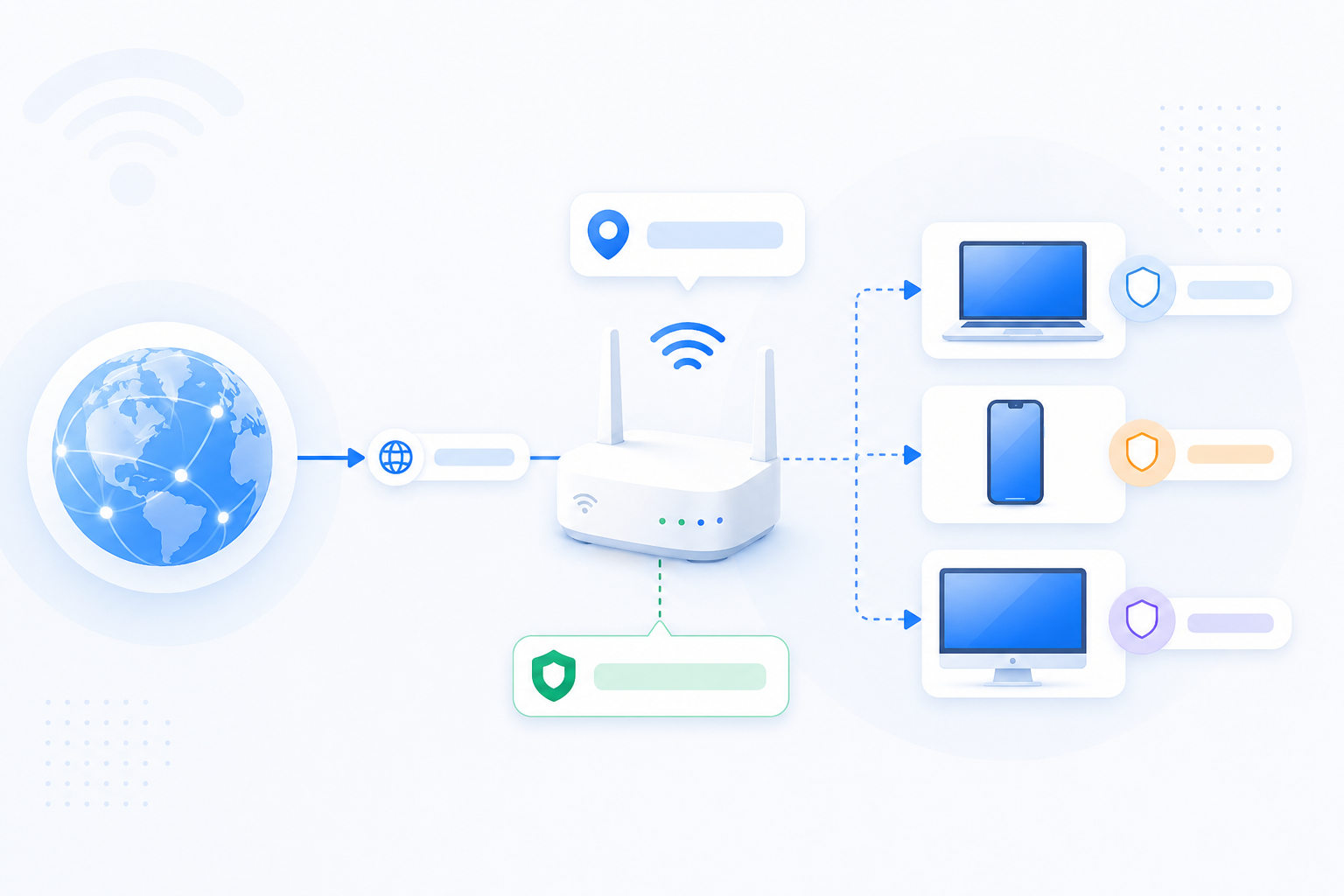
A public IP check is the quickest way to anchor the rest of the diagnosis. If this value does not line up with your router WAN path, double NAT or CGNAT may be part of the story.
- Compare this value with the WAN IP shown inside your router.
- If the provider or region looks wrong, compare IP Lookup and IP Location next.
- If inbound access still fails, run Port Checker next from the same network.
- If DDNS is involved, confirm the hostname resolves to this public IP.