
Learn
Internet vs Wi-Fi
The Internet is the outside network service. Wi-Fi is only one local way your device connects to the router.
Foundation page reviewed - May 5, 2026
Quick context
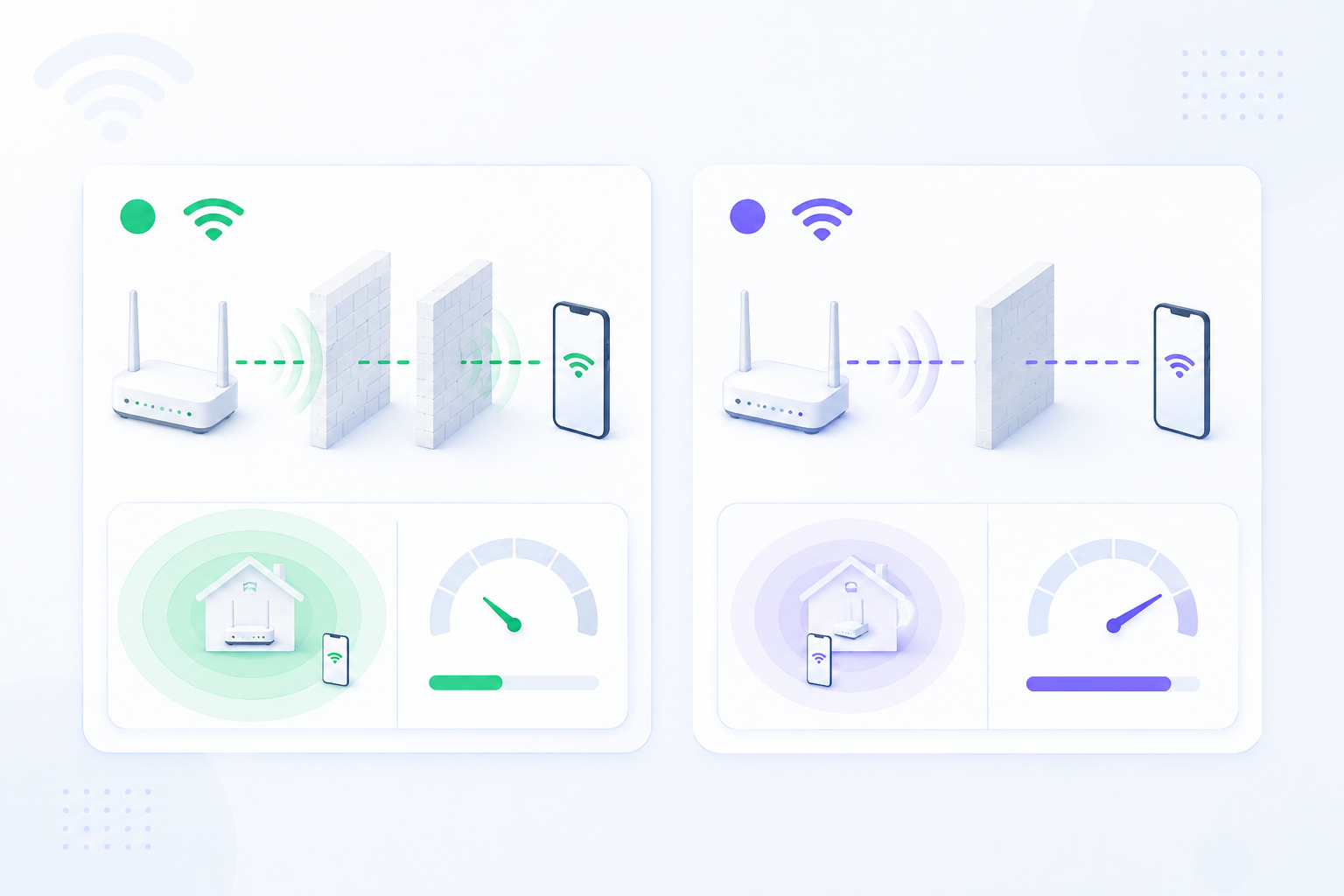
Beginners often say 'the Wi-Fi is down' when the real problem is the Internet service, or say 'the Internet works' when only a local Wi-Fi link exists. Separating these two ideas makes troubleshooting much faster.
30-second path
Use this order before you start changing settings.
Step 1Confirm the goalDecide whether this page is about login, open ports, Wi-Fi settings, or NAT diagnosis.Why Do You Need a Router?Step 2Verify with a toolBefore changing settings, check the outside-visible IP, port, DNS, or NAT signal you need.What Is My IPStep 3Narrow the blockerIf the result is not expected, narrow it through firewall, double NAT, CGNAT, and wrong-router checks.Troubleshooting
Related visual cues
Helpful visuals for this page
Selected RouterWiz visuals that match this topic.
What to know first
InternetYour outside connection to the wider network
Wi-FiA local wireless connection to the router
Troubleshooting valueHelps separate ISP problems from local problems
Step-by-step
- Treat Wi-Fi as the bridge between your device and your router inside the home.
- Treat the Internet as the service that the router receives from the ISP or upstream network.
- If your device stays connected to Wi-Fi but websites do not load, the Wi-Fi link may still be fine while the Internet path is broken.
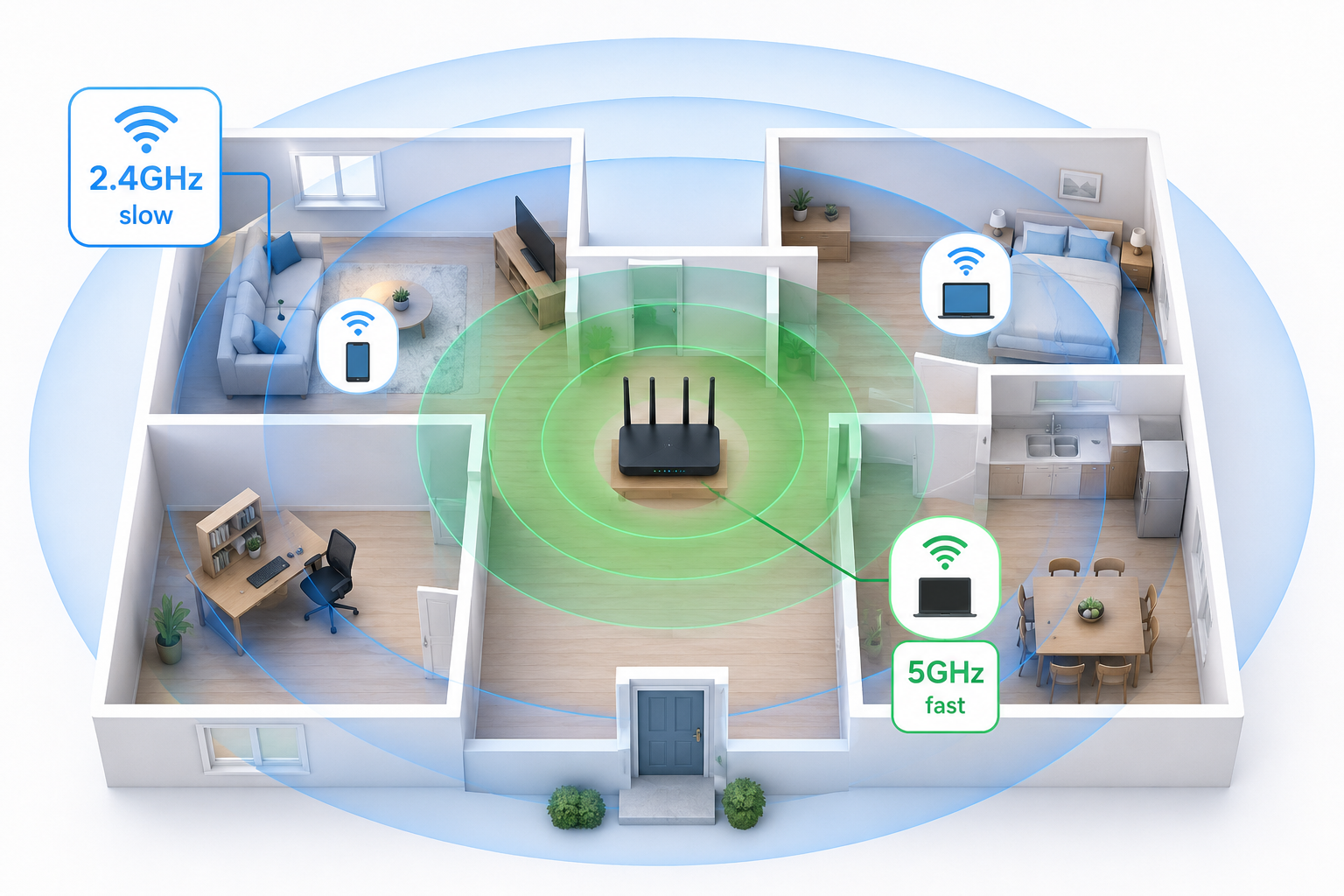
- If wired devices work but wireless devices fail, the Internet may be fine while Wi-Fi settings or signal quality are the real issue.
- Use this distinction whenever you troubleshoot router login, DDNS, slow browsing, or device reachability.
Checks and notes
- A strong Wi-Fi signal does not guarantee working Internet service.
- Mobile data on a phone can hide whether local Wi-Fi is actually working.
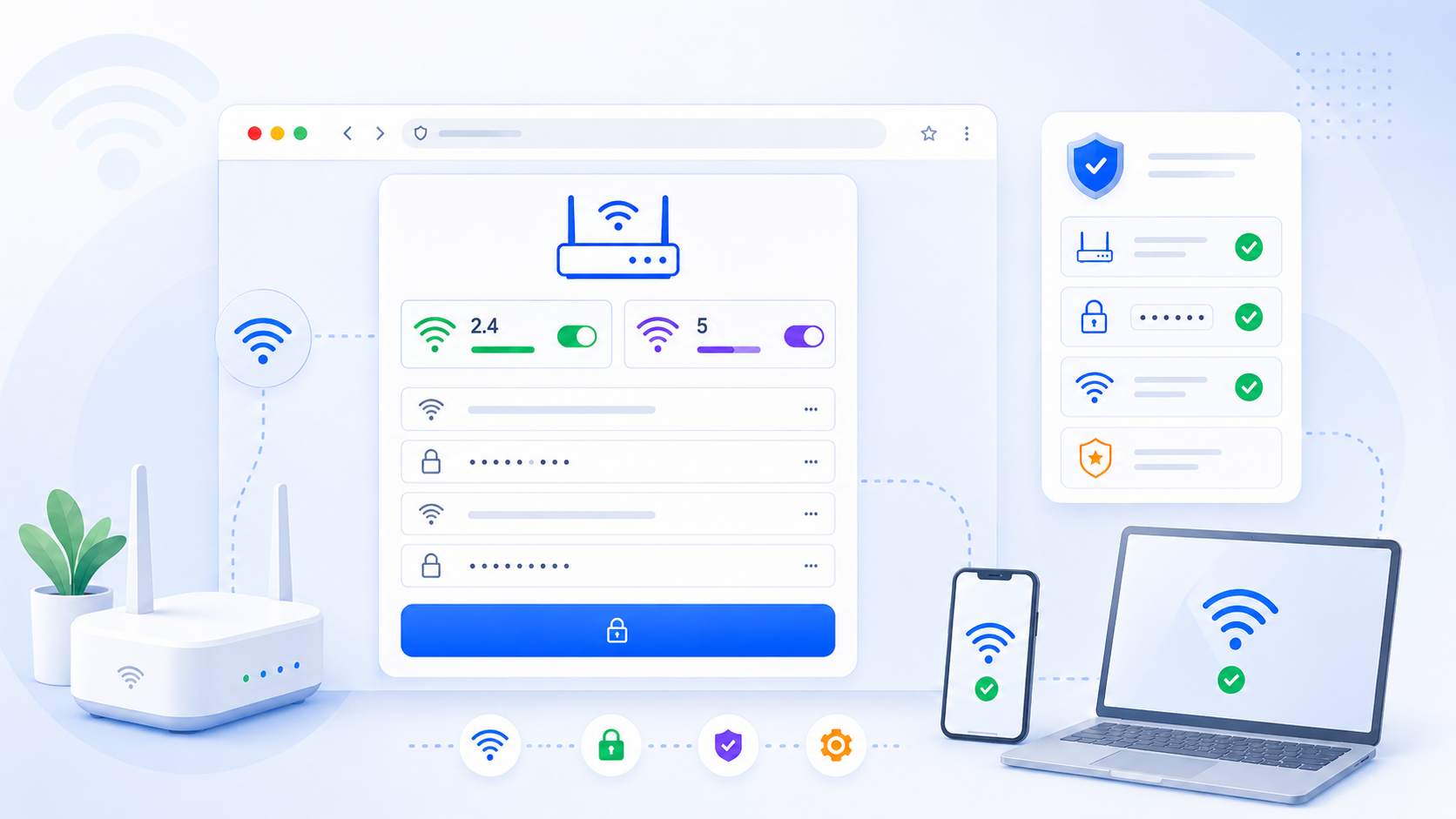
- A router admin page can open even when the Internet is down, because it is still local.
Warnings
- Do not change WAN, DNS, or ISP-facing settings if the real issue is only local Wi-Fi coverage or password mismatch.
FAQ
Why can I open the router page when the Internet is down?
Because the router page is a local destination on your own network. It does not require a working outside Internet path.
Why does my phone say connected but nothing loads?
That usually means the phone is still connected to local Wi-Fi, but the router or ISP path to the wider Internet is not working correctly.