
Port Forwarding Use Case
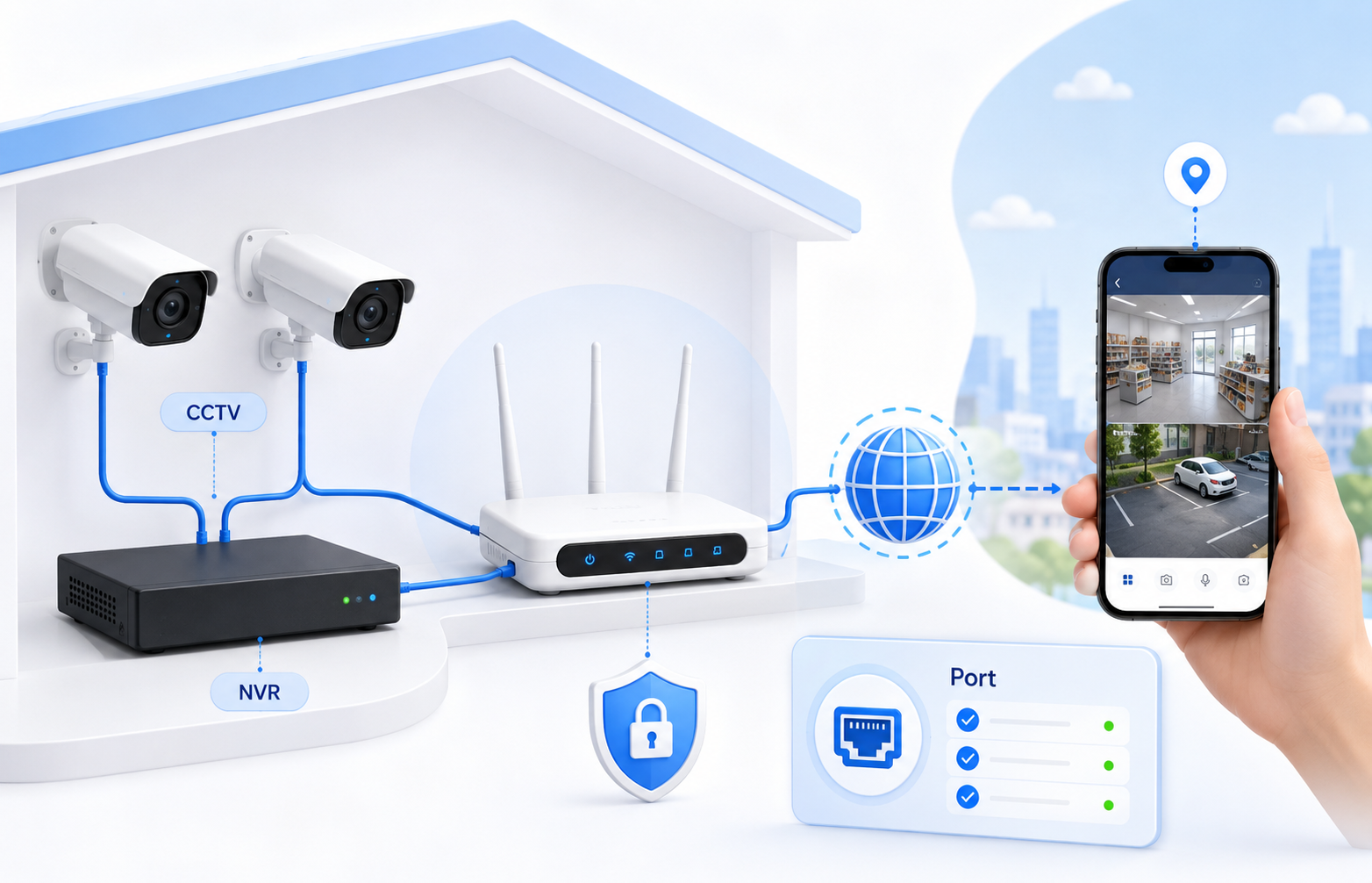
CCTV and NVR Port Forwarding
Remote camera access often depends on correct ports, DDNS, stable WAN reachability, and careful exposure decisions.
Use-case review - May 5, 2026
Quick context
CCTV and NVR setups often involve several moving parts at once: device ports, vendor cloud fallback, public IP reachability, DDNS, and ISP restrictions. The router rule alone is not always the whole answer.
30-second path
Use this order before you start changing settings.
Step 1Confirm the goalDecide whether this page is about login, open ports, Wi-Fi settings, or NAT diagnosis.CGNAT GuideStep 2Verify with a toolBefore changing settings, check the outside-visible IP, port, DNS, or NAT signal you need.Port Forwarding WizardStep 3Narrow the blockerIf the result is not expected, narrow it through firewall, double NAT, CGNAT, and wrong-router checks.Troubleshooting
Related visual cues
Helpful visuals for this page
Selected RouterWiz visuals that match this topic.
What to know first
Typical needRemote camera viewing
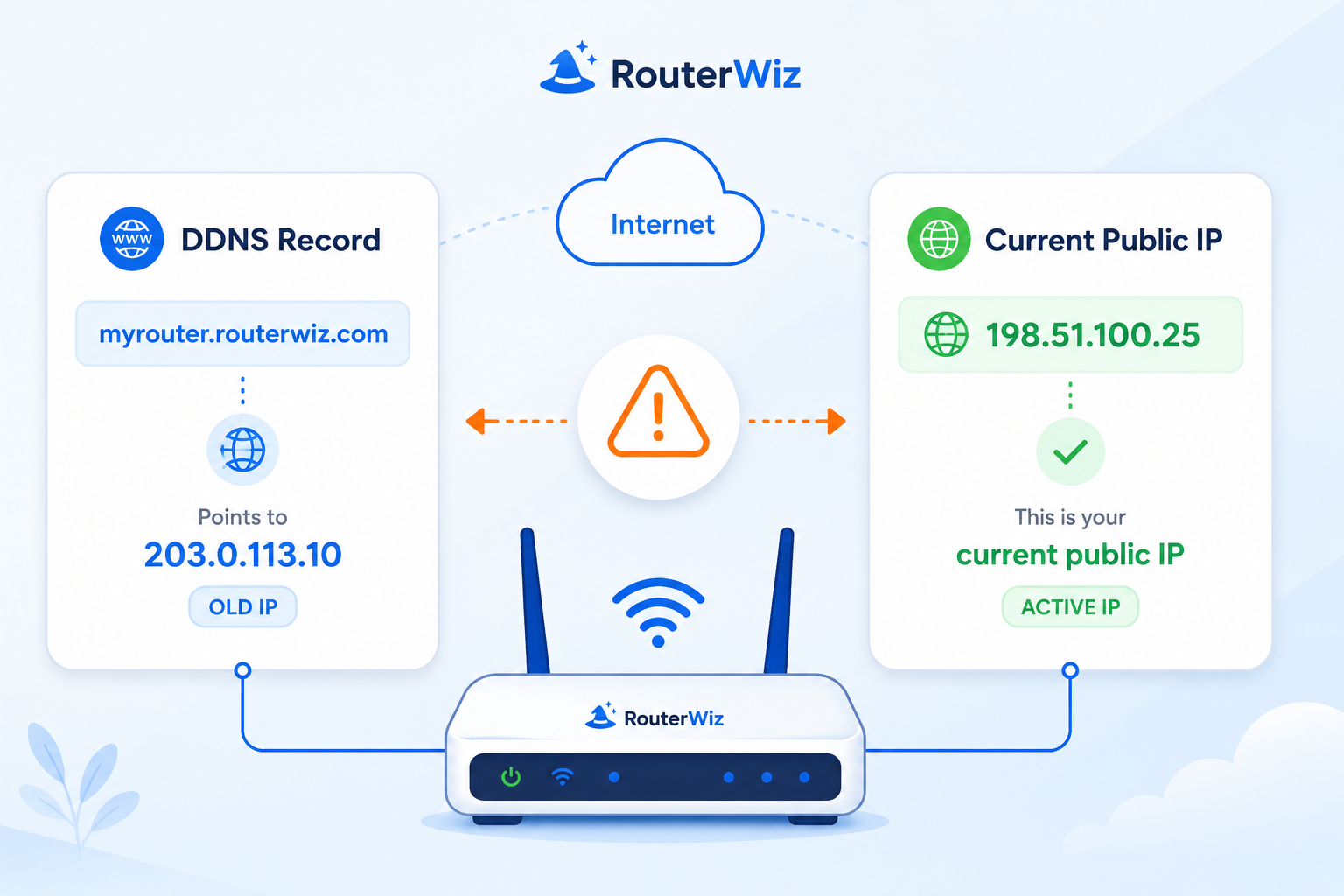
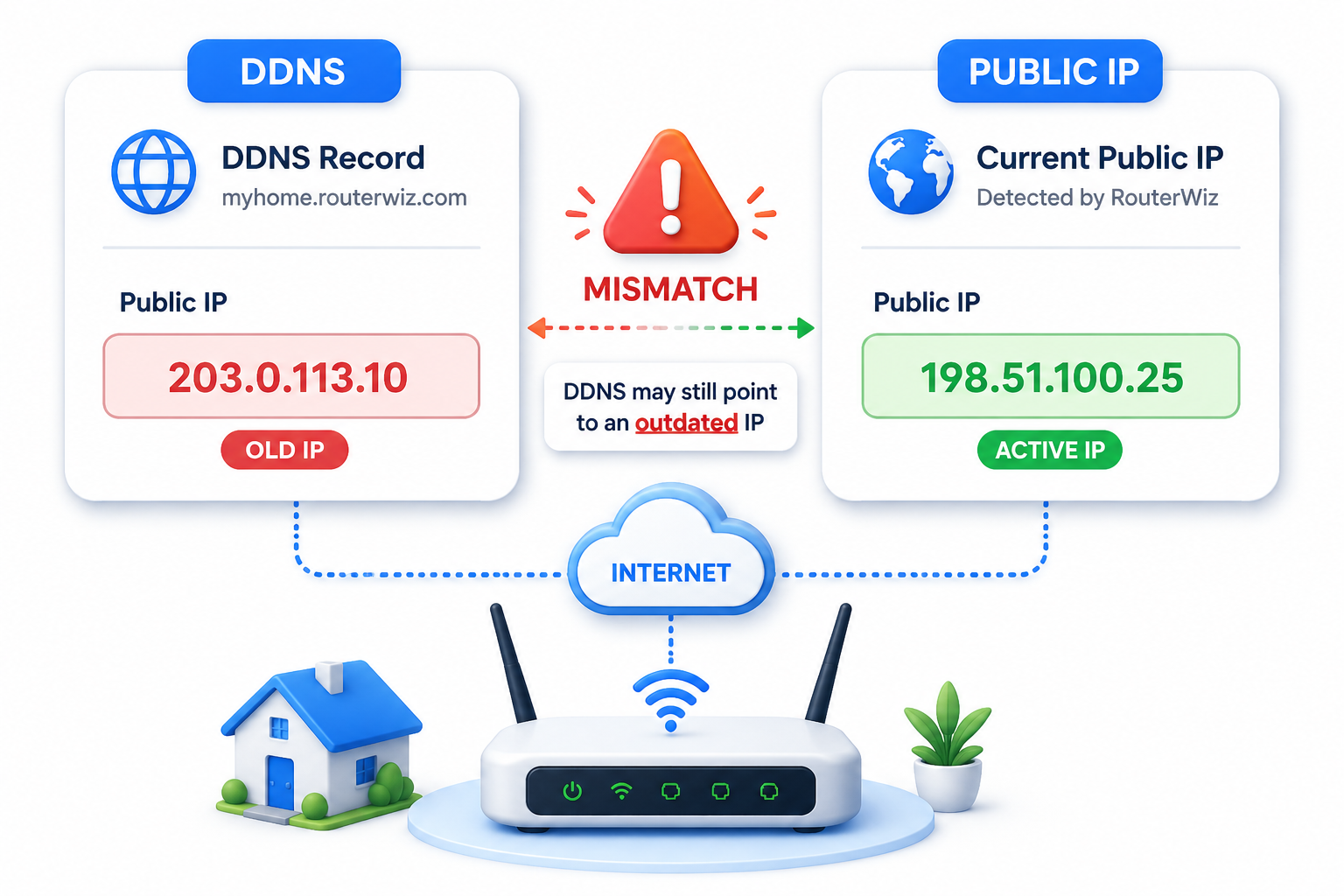
Related topicsDDNS, WAN IP, ISP restrictions
Common issueClosed port despite saved rule
Step-by-step
- Identify the exact ports required by your NVR, DVR, or IP camera vendor before creating any rule.
- Assign the device a fixed internal IP or a DHCP reservation.
- Add the router forwarding rule and confirm whether the vendor recommends TCP, UDP, or both.
- If remote access uses a hostname, confirm DDNS or vendor cloud settings are also working.
- Run a port check and then verify the client app can reach the right WAN IP or hostname.
Checks and notes
- Some camera vendors use cloud relay options that reduce the need for manual forwarding.
- If your ISP uses CGNAT, inbound access may fail even when the router looks correct.
Warnings
- Directly exposed camera services can create serious security risk if firmware and passwords are weak.