
Port Forwarding Use Case
Web Server Port Forwarding
Web servers usually mean HTTP on 80, HTTPS on 443, or a reverse proxy in front of an internal app. The router rule is only one layer of that design.
Expanded use-case review - May 7, 2026
Quick context
When users say they want to expose a web server, they may really mean a single self-hosted app, a reverse proxy, a Synology dashboard, or a custom development stack. The right forwarding plan depends on whether you want direct public HTTP or HTTPS, a reverse proxy, or an outbound tunnel model instead.
Use this order before you start changing settings.
See the flow visually
Home web server exposure path
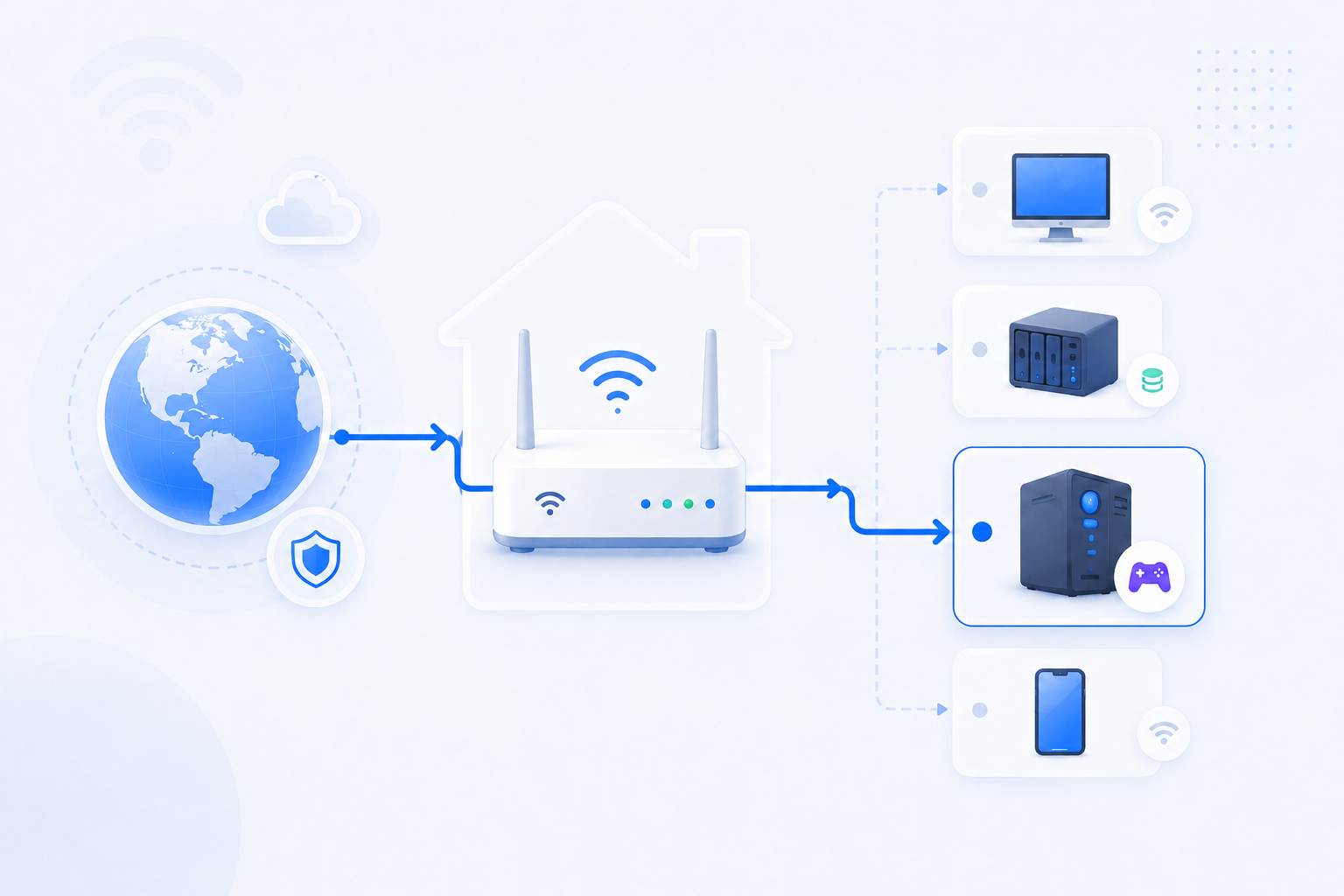
A home web service is rarely just an open port. In practice, it often includes DNS, HTTPS, a reverse proxy, and a decision about whether the origin should be public at all.
- Port 80/443 is only the entry point.
- The internal app may live behind Nginx, Apache, IIS, or another reverse proxy.
- Tunnels can remove the need for direct public forwarding entirely.
What to know first
Step-by-step
- Decide what you are exposing: a reverse proxy, a single app, a dashboard, or a full home web stack.
- Keep the internal host IP stable so the public ports continue to map to the correct machine after reboots.
- If you use a reverse proxy, forward 80 and 443 to the reverse proxy host rather than directly to each backend application.
- If the application itself terminates TLS, verify that the certificate, host name, and internal bind address all match the intended public path.
- Check whether the service is already reachable locally on the expected internal port before opening anything publicly.
- Use DNS or DDNS so the published service name remains stable when the public IP changes.
- After opening the ports, run a public service check and then test real HTTP or HTTPS behavior, not just raw TCP reachability.
- If direct exposure is blocked by CGNAT or is not worth the risk, move to a tunnel or proxy-based alternative instead of forcing the classic pattern.
Checks and notes
- A web server can respond locally while the HTTPS certificate or reverse proxy path is still wrong from the outside.
- Opening 80 and 443 directly to an admin panel is usually a worse design than publishing a hardened front proxy.
- If DNS is wrong, the port can be open but users still hit the wrong endpoint.
Warnings
- Do not expose raw admin dashboards or unfinished apps to the public Internet without a clear security model.
- Do not assume an open 443 port means the HTTPS experience is correct. Certificates and host headers still matter.
FAQ
Do I always need to forward both 80 and 443?
Not always. Some stacks only need 443, some use 80 temporarily for certificate issuance or redirects, and some use an outbound tunnel instead of classic public inbound ports. The correct answer depends on the publishing model you choose.
When should I use a reverse proxy?
Whenever you want one clean public entry point for multiple internal apps, or when you want TLS, routing, and security policy to live in one hardened place instead of being re-implemented in every backend service.
Recommended references
Web server exposure is not only about opening 80 or 443. It also depends on certificates, reverse proxy design, and whether you should expose the origin at all.
RouterWiz should remain the main guide for the forwarding path. Use these references to confirm web-server-specific concerns such as reverse proxy placement, TLS termination, and inbound alternatives.
Official sources
Use these when you need a stronger server-side model than just raw port opening.
Cloudflare Tunnel
Cloudflare Docs
Explains how to publish a local web service without a directly exposed public origin IP.
A strong alternative when direct port forwarding is blocked, too risky, or too much maintenance for a home server.
When to use Kestrel with a reverse proxy
Microsoft Learn
Explains why a reverse proxy is often the cleaner internet-facing design for web workloads.
Useful when the user is deciding whether to expose the application directly or put Nginx, IIS, or another reverse proxy in front.
??? ?? ????
VPN ??? ?? ?? ???? ????? ?? ????? ?? ??? ??, ?? NAT, DDNS ??? ? ?????. ?? ??? ? ??? ??? ??? ? ??? ???.

KT 기가 와이파이 공유기 관리자 접속 및 와이파이 설정
곰세 iT
KT 홈 장비 관리자 접속과 기본 설정 흐름을 한국어로 보여주는 영상입니다.
172.30.1.254나 KT 홈허브 문맥이 낯선 사용자에게 가장 직접적인 화면 참고자료가 됩니다.

SK모뎀 브릿지모드설정 이거 하나면 끝!!!
베테우스
SK 상위 장비 브릿지 모드와 하위 개인 공유기 구조를 다루는 한국어 영상입니다.
SKB + 개인 공유기 조합에서 이중 NAT를 줄이려는 사용자에게 핵심 참고자료가 됩니다.

엘지모뎀 SUPER DMZ설정 이거 하나면 끝!!!
베테우스
LG U+ 상위 장비에서 SUPER DMZ를 보는 흐름을 설명하는 한국어 영상입니다.
직접 포트포워딩만으로 안 풀릴 때 DMZ 기반 우회 경로를 검토하는 데 유용합니다.
SK모뎀 브릿지모드설정 이거 하나면 끝!!!
베테우스
SK Broadband 상위 장비를 브릿지 모드로 돌려서 하위 공유기 쪽 이중 NAT를 줄이는 흐름을 한국어로 보여주는 영상입니다.
공유기 두 대 이상을 쓰는 집에서 '어느 장비를 라우터로 남기고 어느 장비를 브리지/AP처럼 쓸지'를 영상으로 이해하기 좋습니다.