
Router Login
How to Find Your Router IP
Use this guide when you do not know which admin address to try and you want the safest way to identify the real router gateway first.
Expanded login workflow review - May 7, 2026
Quick context
Finding the right router IP is the step that removes most login confusion. Instead of guessing 192.168.1.1 forever, confirm the Default Gateway or the management host that your current device actually uses on this network.
Use this order before you start changing settings.
See the flow visually
Find the gateway before you guess credentials
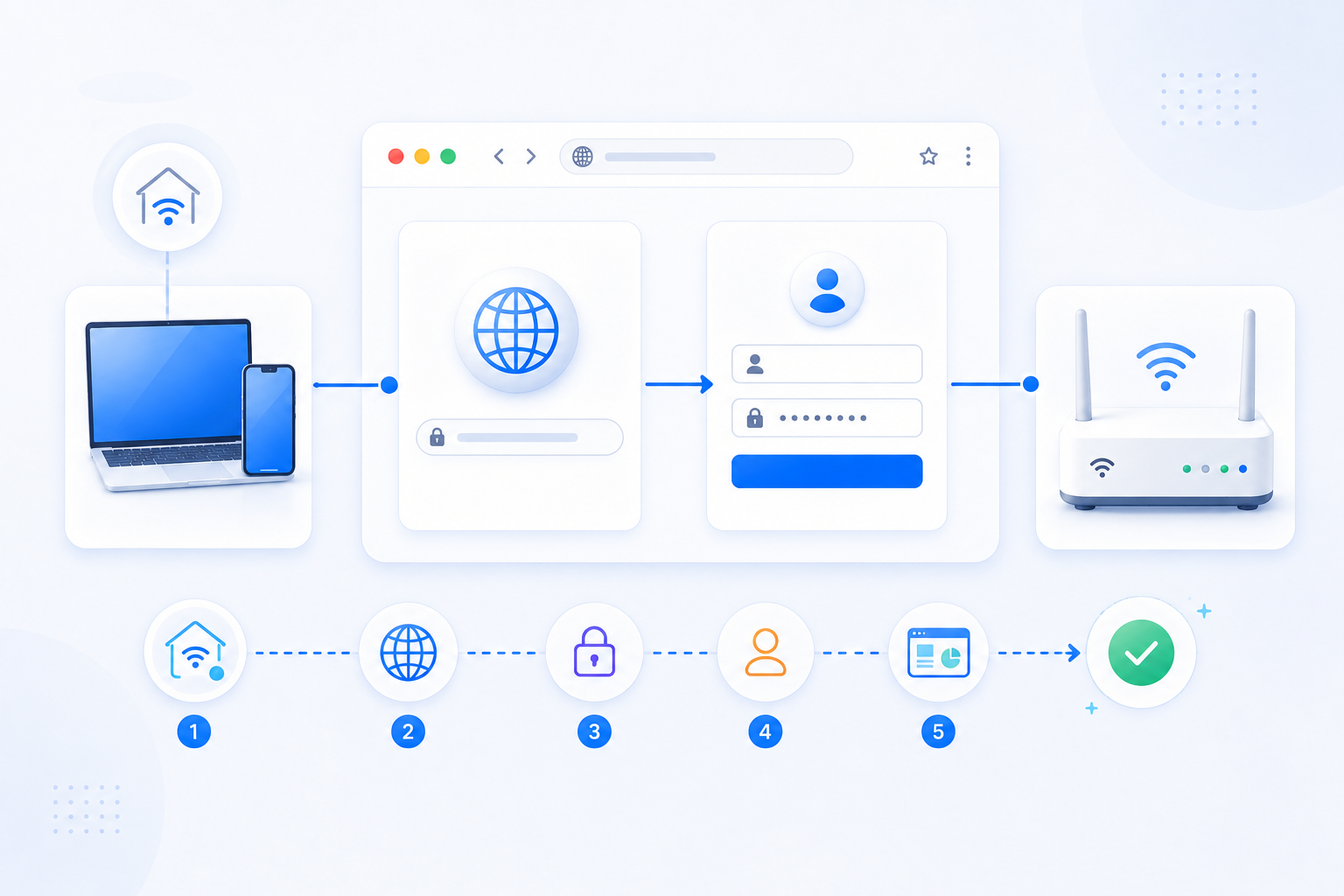
A correct gateway check usually saves more time than cycling through multiple login URLs and password guesses.
- Read the Default Gateway from the current device.
- Open the matching local admin address first.
- Then confirm which router in the chain you are looking at.
What to know first
Step-by-step
- Connect to the same Wi-Fi or Ethernet network as the router you want to manage.
- Check the Default Gateway in Windows, macOS, iPhone, or Android network settings.
- If the gateway IP opens a login page, read the branding and confirm whether it belongs to the main router, ISP gateway, or a secondary network device.
- If the page does not open, try the router hostname or model-specific admin host from the device sticker or official guide.
- Once the page opens, record both the login address and the router model for future troubleshooting.
Checks and notes
- If mobile data is active on a phone, you may test the wrong path accidentally.
- A mesh app or vendor host can replace the raw IP on some systems.
- If your home uses two routers, the gateway you find first may still be the upstream box rather than the personal router.
Warnings
- Do not trust a public website list over the actual gateway value on your current device.
- Do not reset hardware just because you have not yet identified the correct admin address.
FAQ
Is the router IP always the same as my public IP?
No. Your router IP for local admin access is a private address on your home network, while your public IP is what the Internet sees outside your home.
Why do I find one gateway IP but still need another login later?
Because some networks include an ISP gateway plus a second router. The first login may identify the chain, but the second router may still be the place where port forwarding actually happens.
Recommended references
Use these after the RouterWiz guide when you want a second source for finding the real gateway or confirming which local address should open the router login page.
RouterWiz should stay your main workflow. These references are best used to confirm gateway terminology, OS-specific steps, or a short visual walkthrough.
Official login and gateway references
Use these when you want a vendor-style explanation of router login addresses and LAN IP discovery.
How to log into the TP-Link router's web management page
TP-Link Support
TP-Link explains the standard router login path and when to use the local management address instead of guessing random admin hosts.
This is useful for confirming that the right first step is finding the local router address and opening the real admin page on the current network.
Finding Your Default Gateway Address
WhatIsMyIP.com
A practical guide that shows how to read the Default Gateway on common operating systems and why that value usually matters more than a generic router-IP guess.
Helpful when users need a second explanation of why the OS-reported gateway is more trustworthy than internet lists of common admin addresses.
Helpful visual walkthrough
Use this when the concept is clear but you want a short visual explanation of where the router IP lives on each device type.
Find Your Router IP Address on Any Device (Video Guide)
WhatIsMyIP.com
A short visual walkthrough that explains how to find the router IP on multiple device types before you try to log in.
Useful for users who understand the task more quickly from a visual guide than from text-only instructions.