
Glossary
The glossary should reduce confusion fast, then send users back into the right guide.
Glossary content is not there to chase abstract traffic alone. It should clarify core router, NAT, WAN, Wi-Fi, and network terms that repeatedly block users in guides, tool flows, and troubleshooting.

Core term
Public IP vs Private IP
Learn which address the Internet sees and which address only exists inside your home network.
OpenRouter login
Default Gateway
Understand why the default gateway is usually the fastest way to find the right router login path.
OpenNetworking basic
What Is a Port?
See why ports matter for games, web servers, CCTV, remote access, and port forwarding.
Open
Critical concept
What Is NAT?
Understand why NAT exists, why it blocks inbound traffic by default, and why port forwarding changes that.
OpenRelated visual cues
Helpful visuals for this page
Selected generated visuals that support this hub.
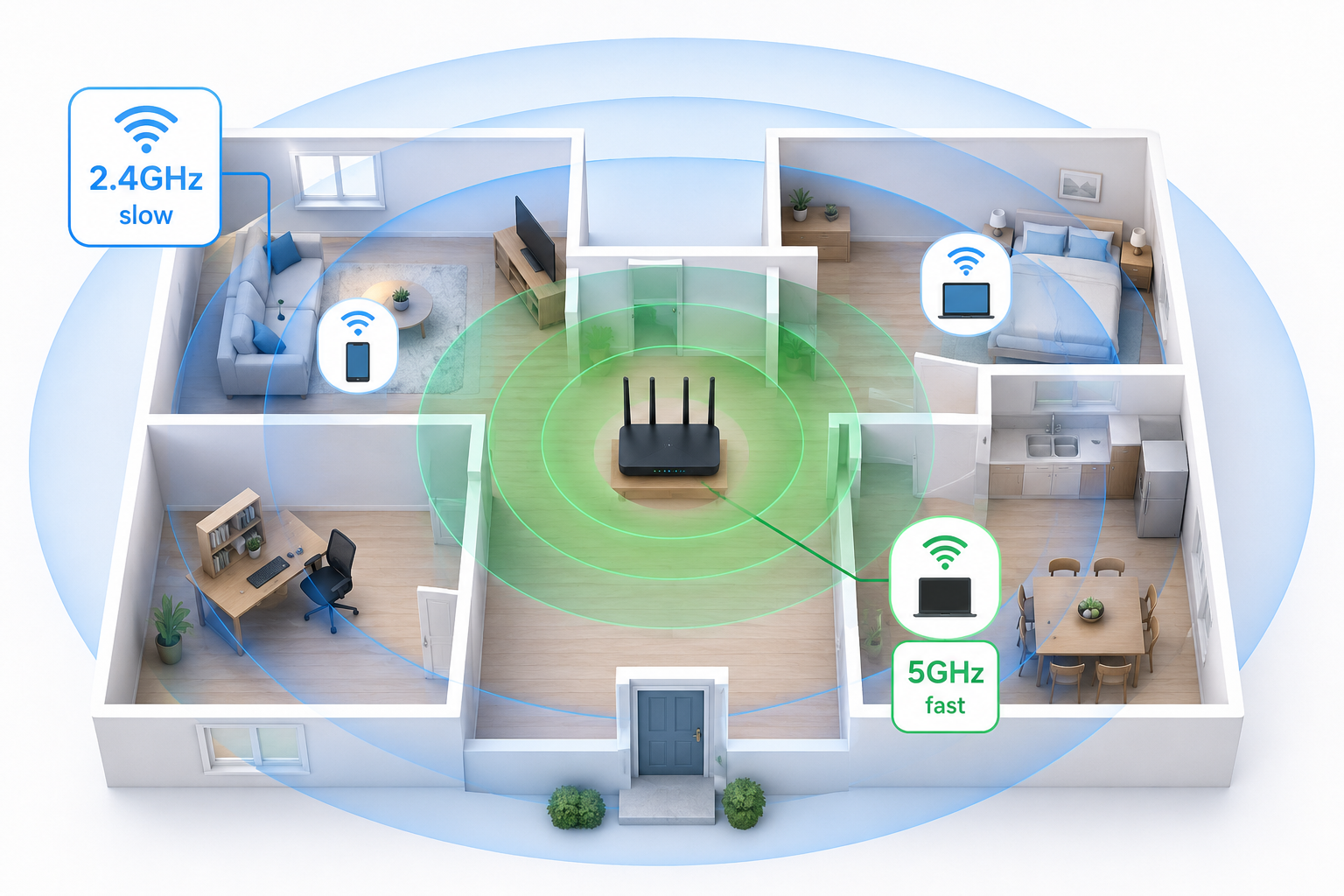
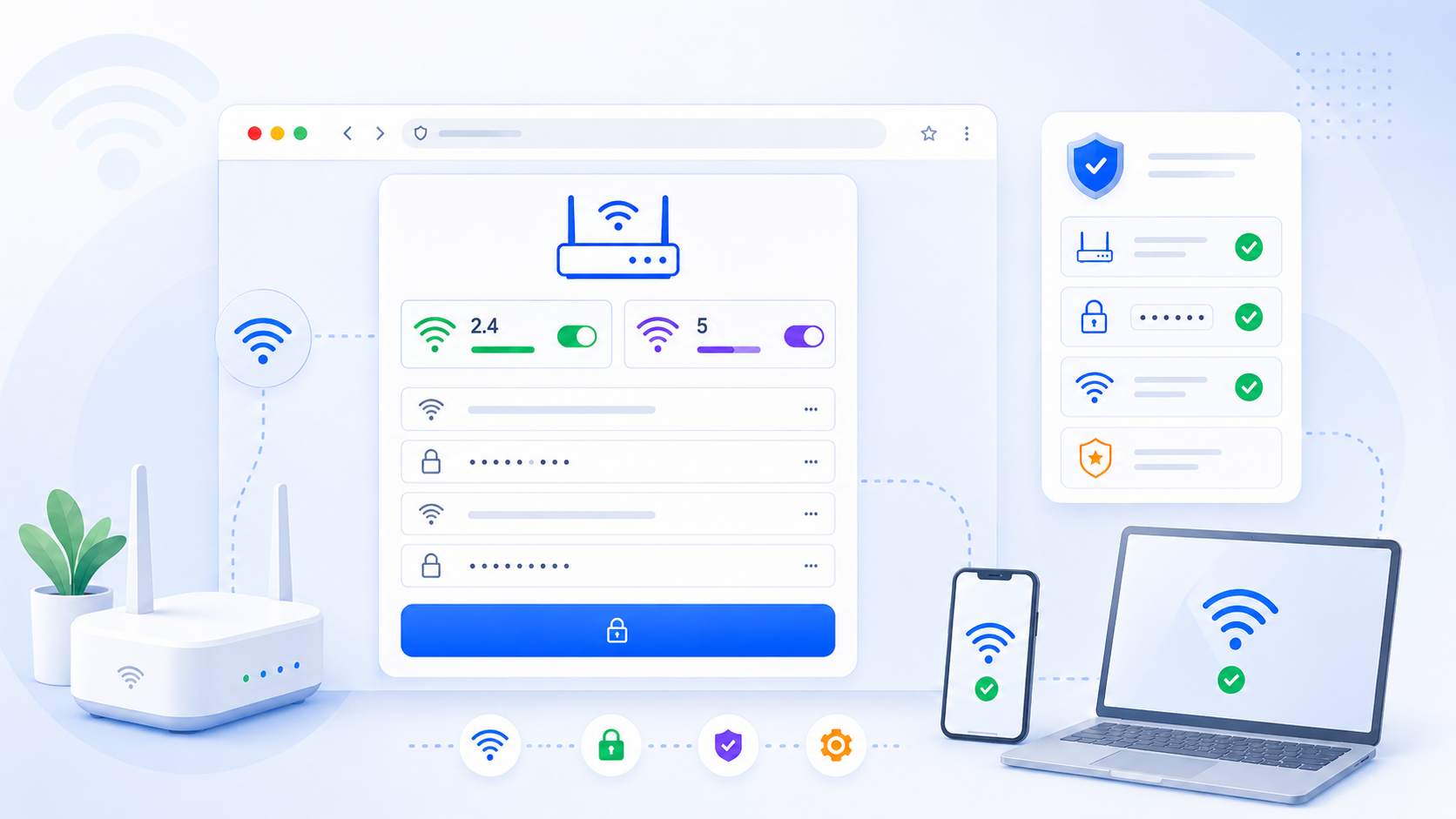
Term groups
- Beginner device terms: router, modem, gateway, hub, switch, access point
- Internet basics: Internet, Wi-Fi, default gateway, local network
- Network path terms: WAN, LAN, gateway, public IP, local IP
- NAT terms: NAT, double NAT, CGNAT, DMZ, port forwarding
- Addressing terms: DHCP, static IP, reservation
- Wi-Fi terms: SSID, WPA2, WPA3, WPS, mesh
Glossary writing rules
- Start with a one-sentence plain-language definition.
- Add a practical example from a home router context.
- Link back to the most relevant guide or tool immediately.
Detailed page plan: beginner fundamentals
- Start with what a router is and why a home needs one.
- Separate Internet from Wi-Fi so beginners stop mixing them together.
- Clarify router vs modem vs gateway vs hub vs switch early.
Detailed page plan: path terms
- Show how the term appears inside a real router workflow.
- Use examples like router login, WAN status, and public reachability.
- Keep the explanation shorter than a how-to page.
Detailed page plan: NAT and Wi-Fi terms
- Clarify confusion between related terms that users mix up.
- Link directly to troubleshooting or settings pages from each entry.
- Prefer task-oriented explanations over textbook definitions.