
Glossary
Public IP vs Private IP
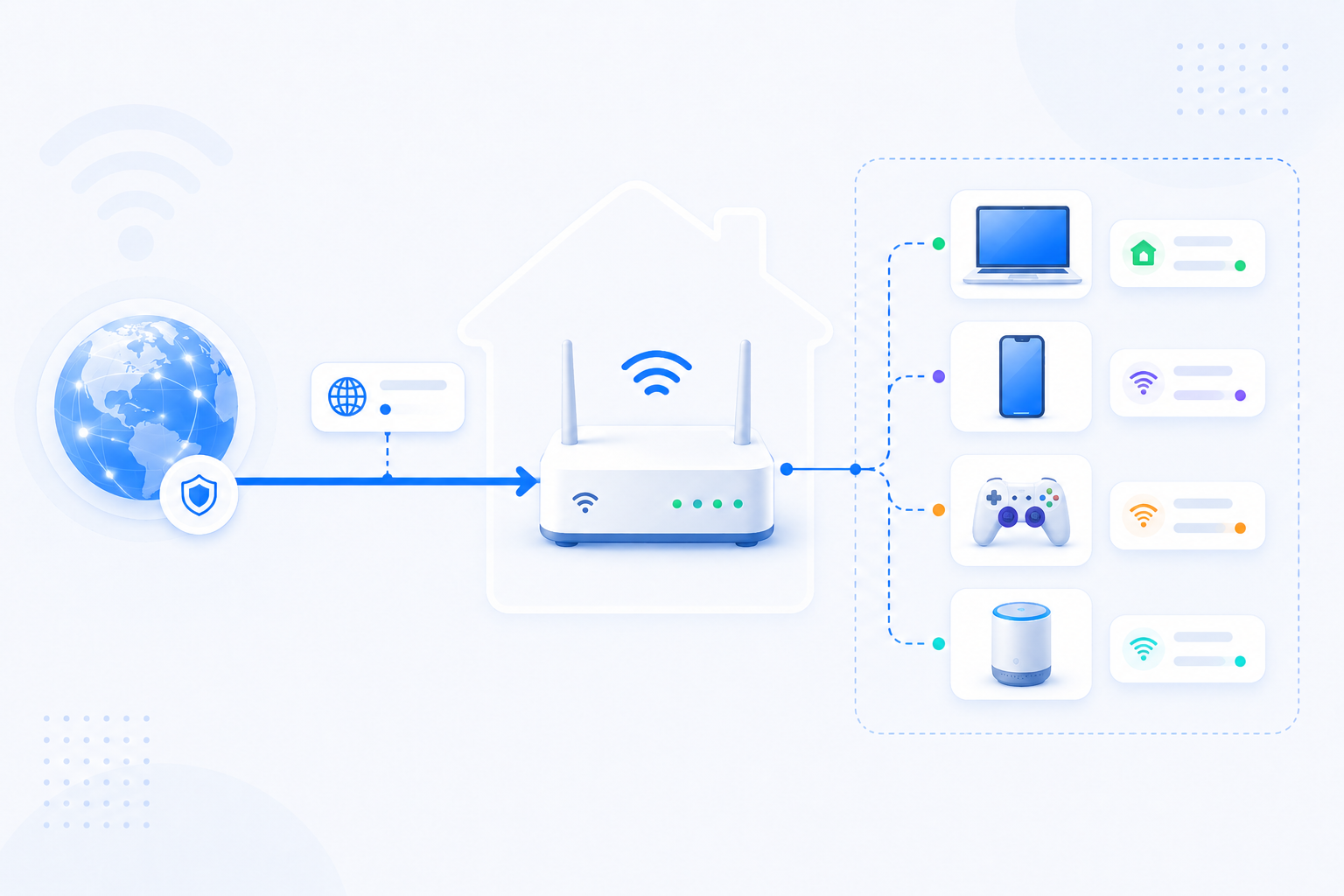
A public IP is the address the outside Internet sees. A private IP is the address used only inside your own local network.
Glossary detail reviewed - May 5, 2026
Quick context
This is one of the most important network distinctions for beginners. If you mix up the two, router login, port forwarding, DDNS, and remote access troubleshooting all become harder than they need to be.
30-second path
Use this order before you start changing settings.
Step 1Confirm the goalDecide whether this page is about login, open ports, Wi-Fi settings, or NAT diagnosis.Internet vs Wi-FiStep 2Verify with a toolBefore changing settings, check the outside-visible IP, port, DNS, or NAT signal you need.What Is My IPStep 3Narrow the blockerIf the result is not expected, narrow it through firewall, double NAT, CGNAT, and wrong-router checks.Troubleshooting
What to know first
Public IPSeen from the outside Internet
Private IPUsed inside your local network
Why it mattersPort forwarding connects the two worlds
Step-by-step
- Treat a private IP as a local-only address such as 192.168.x.x, 10.x.x.x, or 172.16-31.x.x.
- Treat a public IP as the routable address associated with your Internet connection.
- Your router usually presents the public side to the Internet while your devices keep private local addresses behind it.
- Port forwarding matters because external traffic aimed at the public side has to be sent to the right private local device.
- If you do not know which address you are looking at, stop and identify whether it is local-only or public before changing settings.
Checks and notes
- Your device can have a private IP while your network still has a public IP at the router edge.
- A mismatch between expected public reachability and actual router WAN status can point to double NAT or CGNAT.
Warnings
- Do not try to give public IP values directly to local devices unless you understand your ISP and network design.
FAQ
Does a public IP always mean port forwarding will work?
No. You still need the router rule, the right internal IP, a listening service, and no firewall or upstream block preventing access.