
Glossary
What Is a Port?
A port is a numbered traffic endpoint that helps a device know which app or service should receive network traffic.
Glossary detail reviewed - May 5, 2026
Quick context
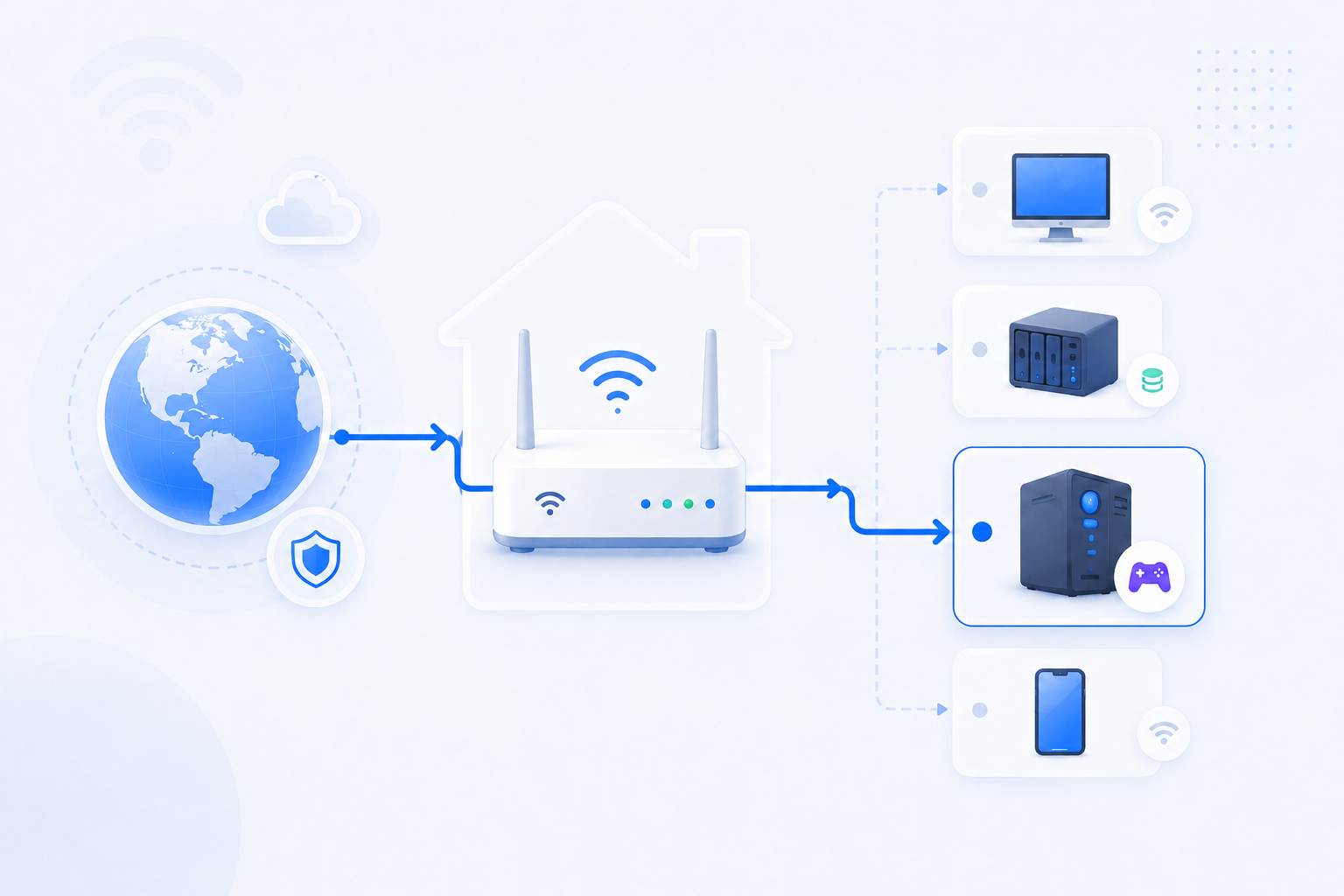
Beginners often hear a port number before they understand what it represents. A port is not a physical hole in the router. It is a numbered way to organize network conversations so the right app receives the right traffic.
30-second path
Use this order before you start changing settings.
Step 1Confirm the goalDecide whether this page is about login, open ports, Wi-Fi settings, or NAT diagnosis.When Is Port Forwarding Needed?Step 2Verify with a toolBefore changing settings, check the outside-visible IP, port, DNS, or NAT signal you need.Port CheckerStep 3Narrow the blockerIf the result is not expected, narrow it through firewall, double NAT, CGNAT, and wrong-router checks.Troubleshooting
What to know first
Port typeLogical service endpoint
Examples25565 for Minecraft, 443 for HTTPS, 3389 for RDP
Why it mattersPort forwarding sends traffic to the right app
Step-by-step
- Think of an IP address as the device and the port number as the specific app or service on that device.
- Different services can listen on different numbered ports on the same machine.
- When an external service needs to reach something inside your network, the router has to know which port and which internal device should receive that traffic.
- That is why port forwarding forms ask for port numbers, protocol, and a target internal IP.
- If the port is wrong or the service is not listening on it, the route fails even when the router rule exists.
Checks and notes
- One port can be open for one protocol and closed for another.
- A saved port forwarding rule does not create the application itself. The app still has to be running and listening.
Warnings
- Opening well-known ports directly to the Internet can expose services to scanning and attacks if the service is weak or outdated.