
Learn
When Is Port Forwarding Actually Needed?
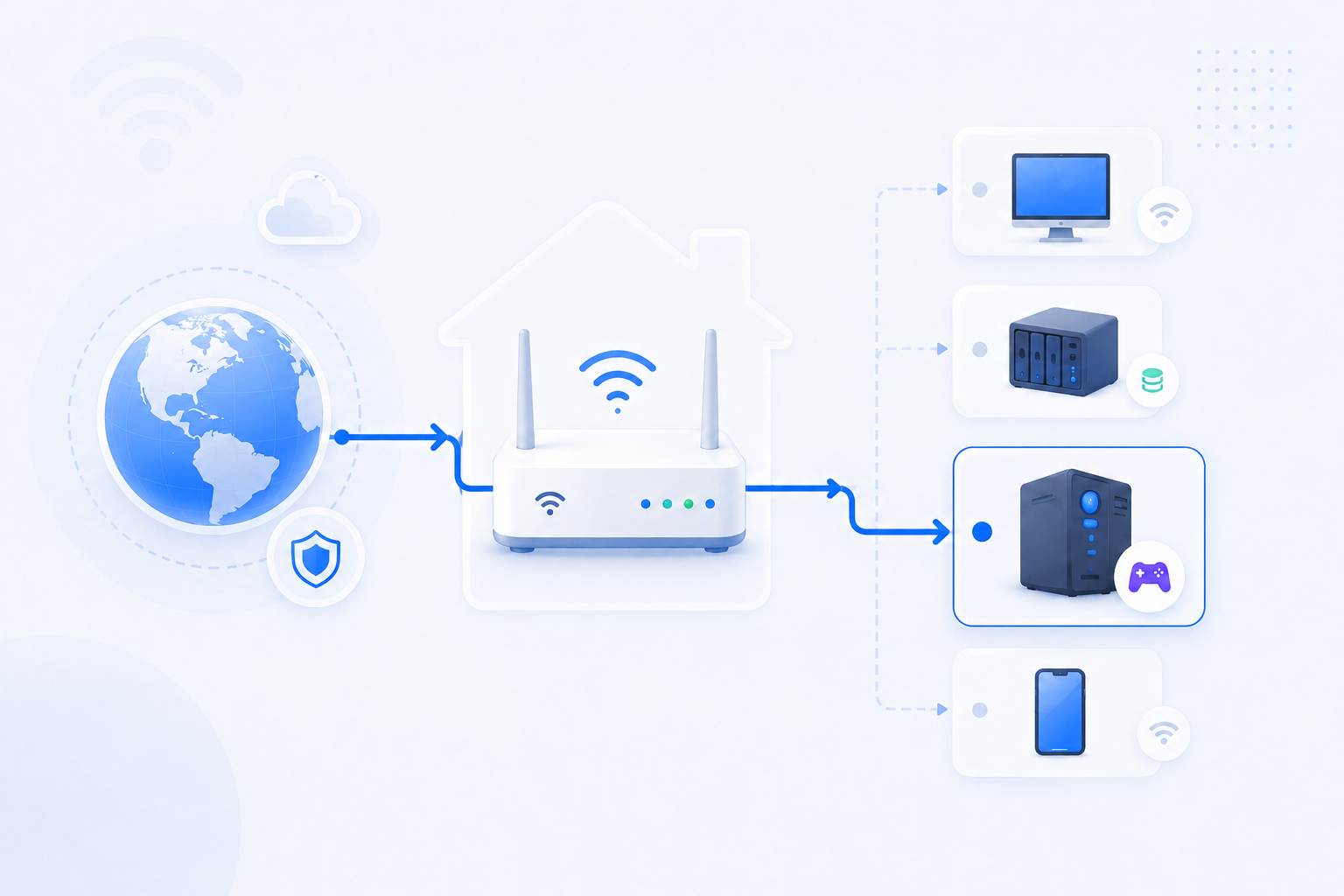
Port forwarding matters when something outside your home needs to start a connection toward a service inside your home network.
Foundation page reviewed - May 5, 2026
Quick context
Many users hear about port forwarding before they know whether they even need it. The right first question is not 'How do I open a port?' but 'Does this use case require direct inbound access at all?'
30-second path
Use this order before you start changing settings.
Step 1Confirm the goalDecide whether this page is about login, open ports, Wi-Fi settings, or NAT diagnosis.Port Forwarding HubStep 2Verify with a toolBefore changing settings, check the outside-visible IP, port, DNS, or NAT signal you need.Port Forwarding WizardStep 3Narrow the blockerIf the result is not expected, narrow it through firewall, double NAT, CGNAT, and wrong-router checks.Troubleshooting
What to know first
Usually needed forDirect inbound access to a local service
Often not needed forCloud-managed or relay-based services
Key blockerDouble NAT or CGNAT can still prevent it
Step-by-step
- Ask whether the service must accept a new connection from the public Internet into your home.
- Game servers, self-hosted web apps, some CCTV systems, and some NAS services are common direct-access examples.
- Cloud sync, vendor relay, and many remote support tools often work without classic manual forwarding.
- If the use case does need direct inbound access, then stable local IP, firewall rules, and public reachability all matter.
- If the use case does not truly need direct exposure, a safer relay, VPN, or vendor cloud option may be the better path.
Checks and notes
- Some vendors offer both relay mode and direct mode. Know which one you are trying to use.
- A correct forwarding rule does not help if the local app is not listening.
- CGNAT can make classic forwarding impossible on some residential connections.
Warnings
- Opening ports without understanding the service can expose weak passwords or outdated software to the Internet.
FAQ
Do I need port forwarding for everyday web browsing or video streaming?
No. Those are outbound connections started from inside your network, so they usually work without manual port forwarding.
Why does one remote access app work without port forwarding while another one does not?
Some services use a relay or cloud-managed path, while others expect direct inbound access to a device or server inside your network.