
Router Login
192.168.1.254 Login Guide
Use this guide when your router, gateway, or extender opens on 192.168.1.254 instead of the more common 192.168.1.1 or 192.168.0.1 addresses.
Expanded login workflow review - May 7, 2026
Quick context
192.168.1.254 often appears on ISP gateways, range extenders, and certain router families. The most important step is confirming whether this address belongs to the main router, a secondary network device, or an ISP-managed gateway before you change anything.
Use this order before you start changing settings.
See the flow visually
Confirm which box owns 192.168.1.254
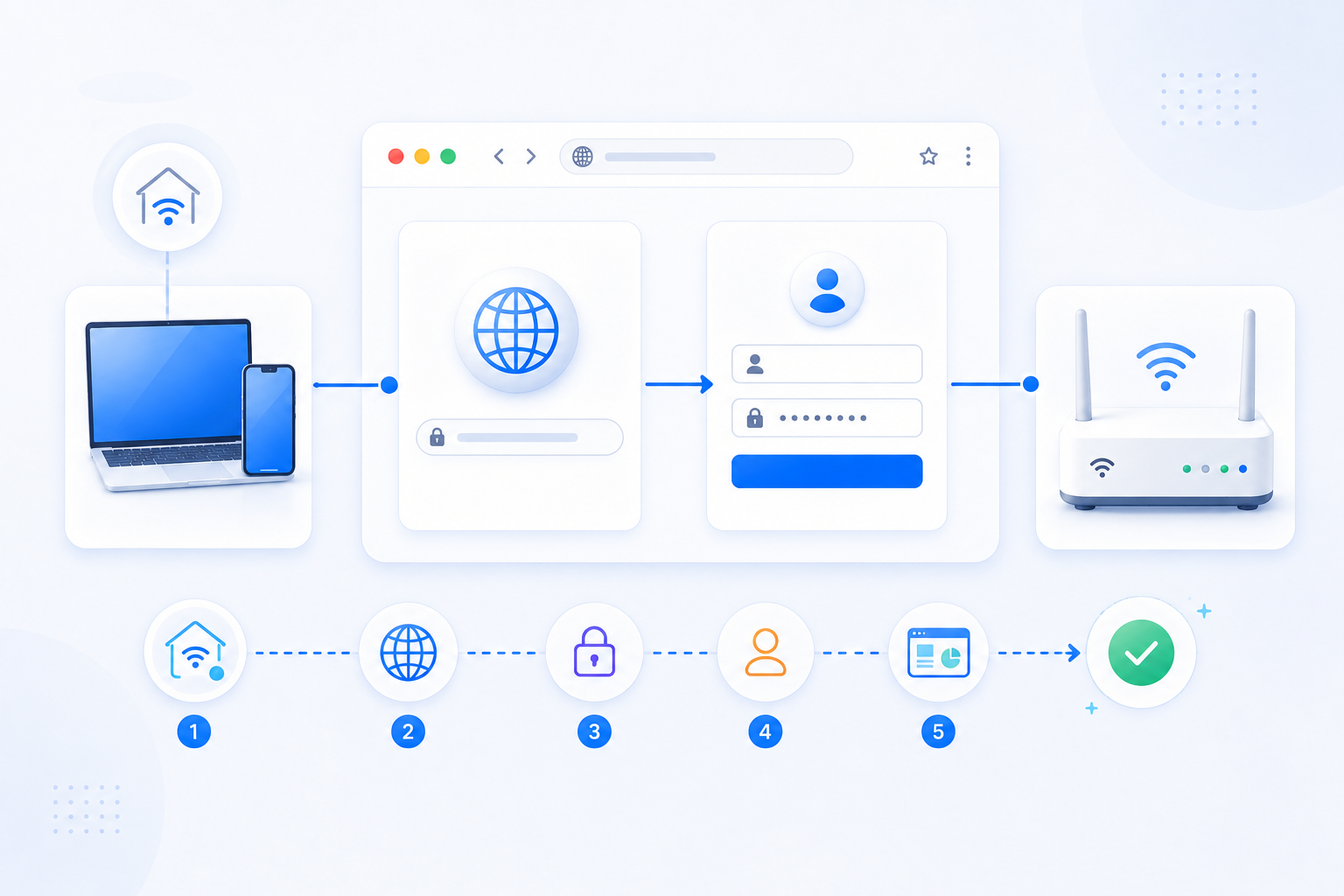
The login page is useful only after you know whether it belongs to the main router, ISP gateway, or a secondary Wi-Fi device.
- Address matching is not enough on its own.
- Read the device label, page branding, and gateway path together.
- Port forwarding only matters on the router that actually handles NAT.
What to know first
Step-by-step
- Connect to the same Wi-Fi or Ethernet segment as the device you want to manage.
- Open http://192.168.1.254 and confirm whether the login screen belongs to the router, gateway, or a Wi-Fi extender.
- If the page style looks unfamiliar, compare the hostname, logo, or sticker on the device before entering credentials.
- Check the device sticker or official guide instead of assuming common admin passwords still work.
- If your goal is port forwarding, verify whether this device is the main router or just a secondary access point.
Checks and notes
- Some households use 192.168.1.254 on the ISP gateway while the personal router uses another subnet behind it.
- If you only need Wi-Fi coverage from this device, AP mode may matter more than router login itself.
- If the page never opens, confirm that your actual Default Gateway is not 192.168.1.1, 192.168.0.1, or 10.0.0.1 instead.
Warnings
- Do not reset an ISP-managed gateway casually. It may wipe WAN, IPTV, or provider-specific settings.
- Do not assume the same credentials work across the main router and any extenders or mesh nodes.
FAQ
Why does 192.168.1.254 open a page that is not my main router?
That address is often assigned to ISP gateways, extenders, or mesh equipment. The address alone does not tell you which box is actually doing routing or port forwarding.
Can I port forward from a device that opens on 192.168.1.254?
Only if that device is the main router handling NAT for the network. If it is only an extender or access point, you need the upstream router instead.
Recommended references
Use these after the RouterWiz guide when you want an IP-specific explanation of 192.168.1.254 and a second opinion on when that page may belong to an ISP gateway, extender, or secondary device.
RouterWiz should still lead the workflow. These references help confirm that 192.168.1.254 is common but not always the main router that owns NAT and port forwarding.
IP-specific references
Use these when you want a direct explanation of what 192.168.1.254 usually represents and why it may not be the right final login target.
192.168.1.254 | Router Admin Login & Default Credentials
WhatIsMyIP.com
An IP-specific guide explaining which devices commonly use 192.168.1.254 and why users should confirm their actual gateway before assuming the page belongs to the main router.
Useful when users need a direct second source that matches RouterWiz's point about 192.168.1.254 being common across gateways, extenders, and alternate admin devices.
Finding Your Default Gateway Address
WhatIsMyIP.com
A general guide to verifying the actual gateway instead of trusting a guessed local address.
This supports the RouterWiz rule that IP-specific login pages are useful only after you confirm that the current network path really points there.